 Tapescript
How to record a meeting on iPhone
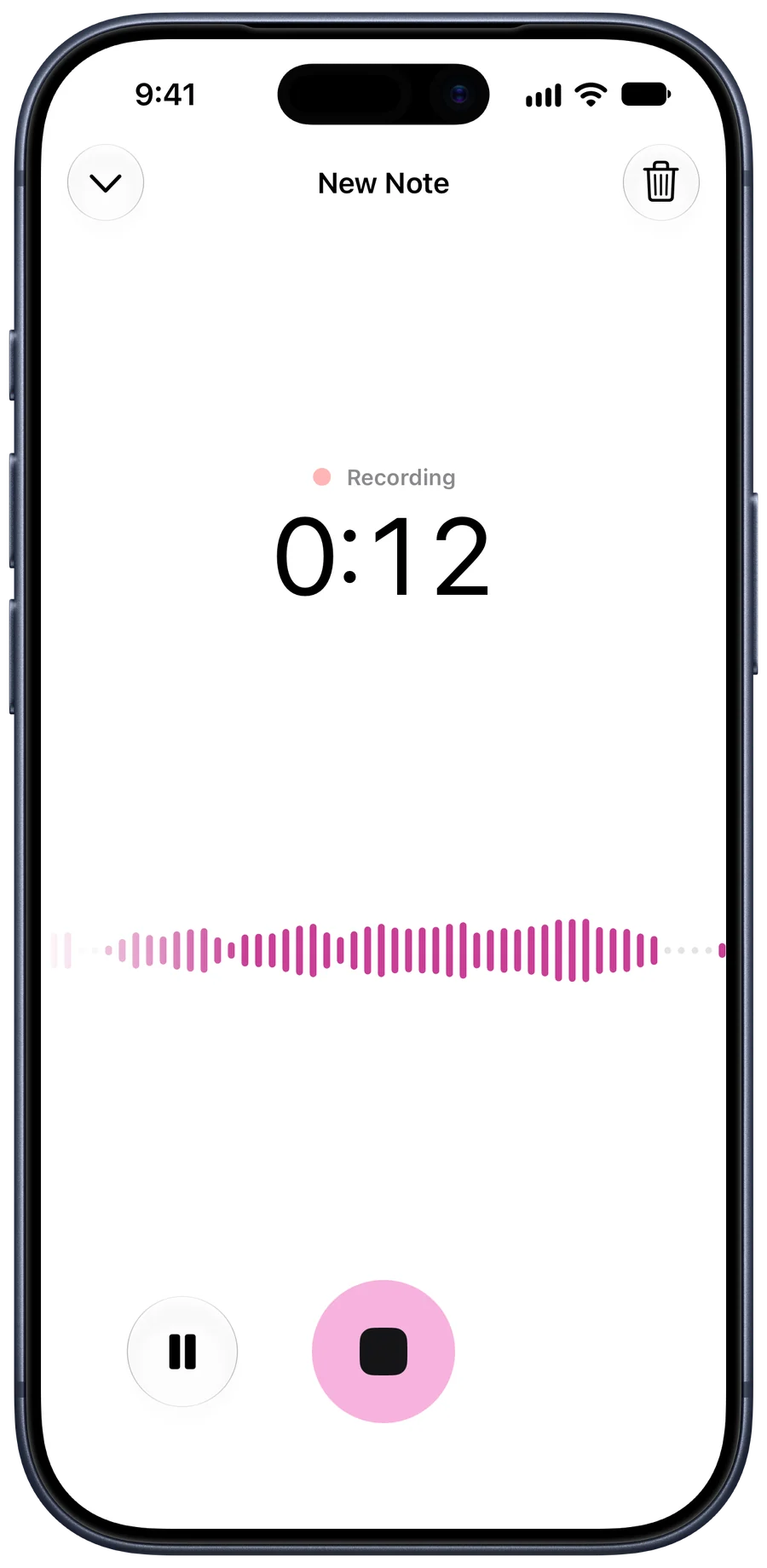
To record a meeting on an iPhone, tell everyone you’re recording, put the phone in the middle of the table with the screen up, and start a recording in Voice Memos or in an app like Tapescript. Voice Memos keeps the audio. Tapescript writes the meeting down and pulls out a summary of what was decided and every action item, with when it’s due, so nobody has to take notes while trying to take part.
Say you’re recording
Start with one sentence: “I’m recording this so I can write up the actions.” It’s polite, it stops people saying something they’d rather not have on tape, and in some places it’s required.
The law differs by country and, in the US, by state. Some places let you record a conversation you’re part of without telling anyone. Others, California among them, require everyone’s consent. Saying it out loud, on the recording, covers you almost everywhere.
Where to put the phone
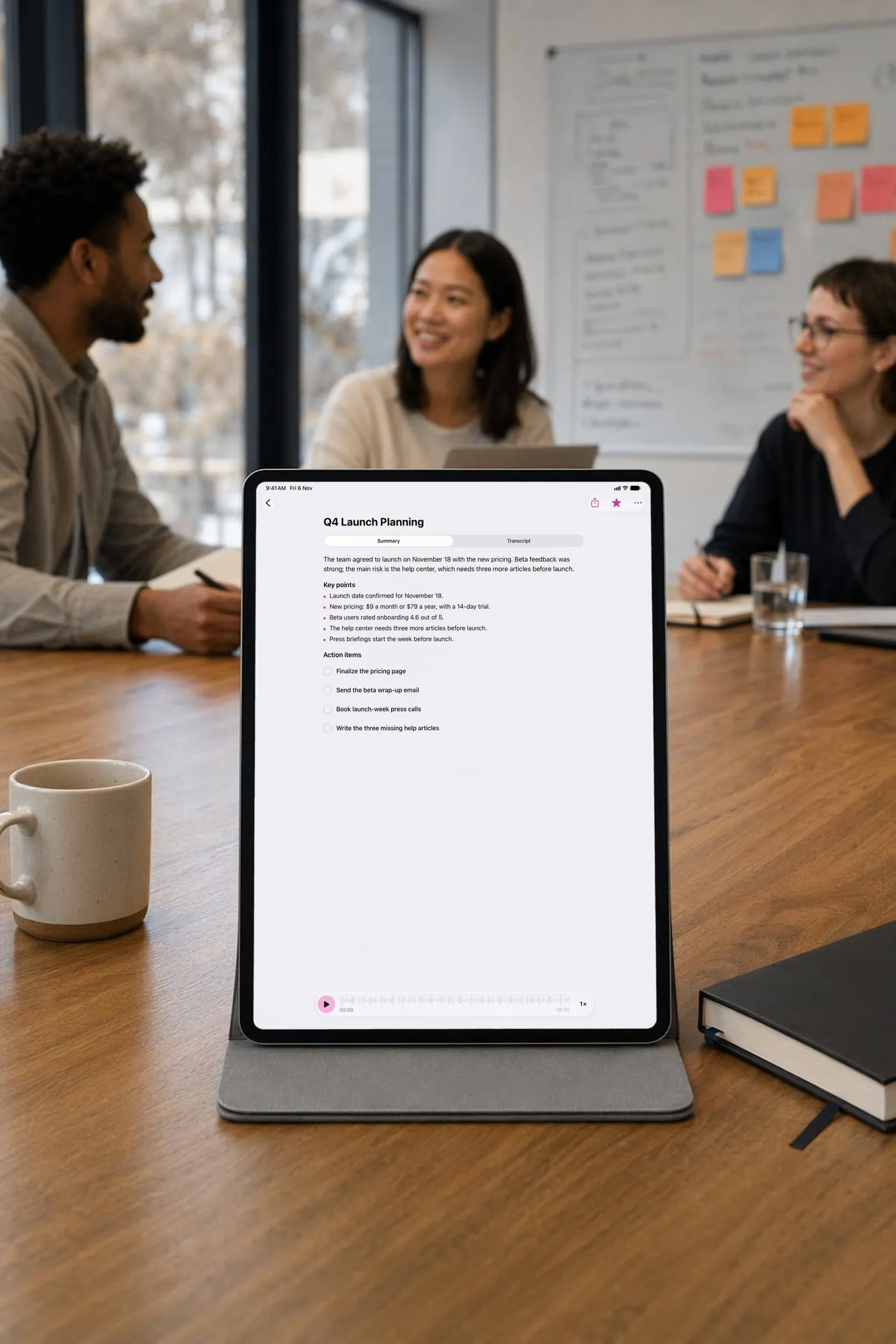
Put it in the middle of the table, screen up, at about the same distance from everyone. Your iPhone hears the people closest to it best, so a phone at your end of a long table records you clearly and the far end faintly.

Keep it away from things that hum or clatter: laptop fans, the coffee machine, the projector, the cup someone keeps putting down. For a long table with eight or more people, a second phone at the other end, recording the same meeting, is better than one in the middle.
Record it
In Tapescript, tap record and give the recording the meeting’s name, such as “Q4 launch planning”. Then put the phone down and join in. You can use other apps while it records; there’s a stop button in the Dynamic Island and on the Lock Screen.
Free recordings stop at 30 minutes. With Pro a single recording runs up to 3 hours, which covers anything short of an away day.
What you get afterwards
When you stop, Tapescript writes the note:
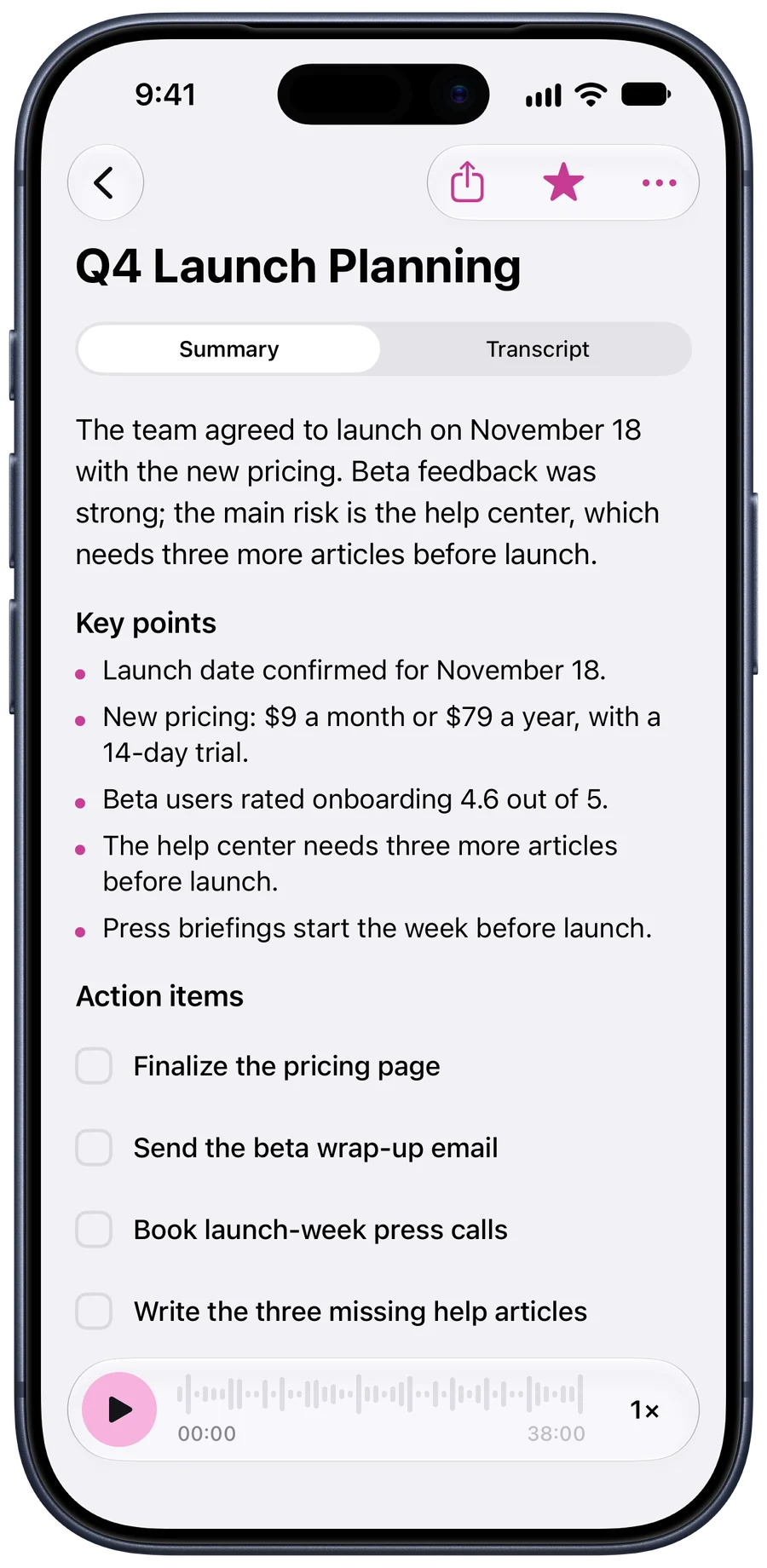
- A summary of what was discussed and decided.
- Action items: who said they’d do what, with the day attached when someone named one.
- Key points from the discussion.
- The transcript, with the time of every line. Tap a line to hear it.
A 38-minute launch meeting, for example, comes back with the decision (launch on November 18, with the new pricing) and four action items: finish the pricing page, send the beta wrap-up email, book the press calls, write the three missing help articles.
Share the notes
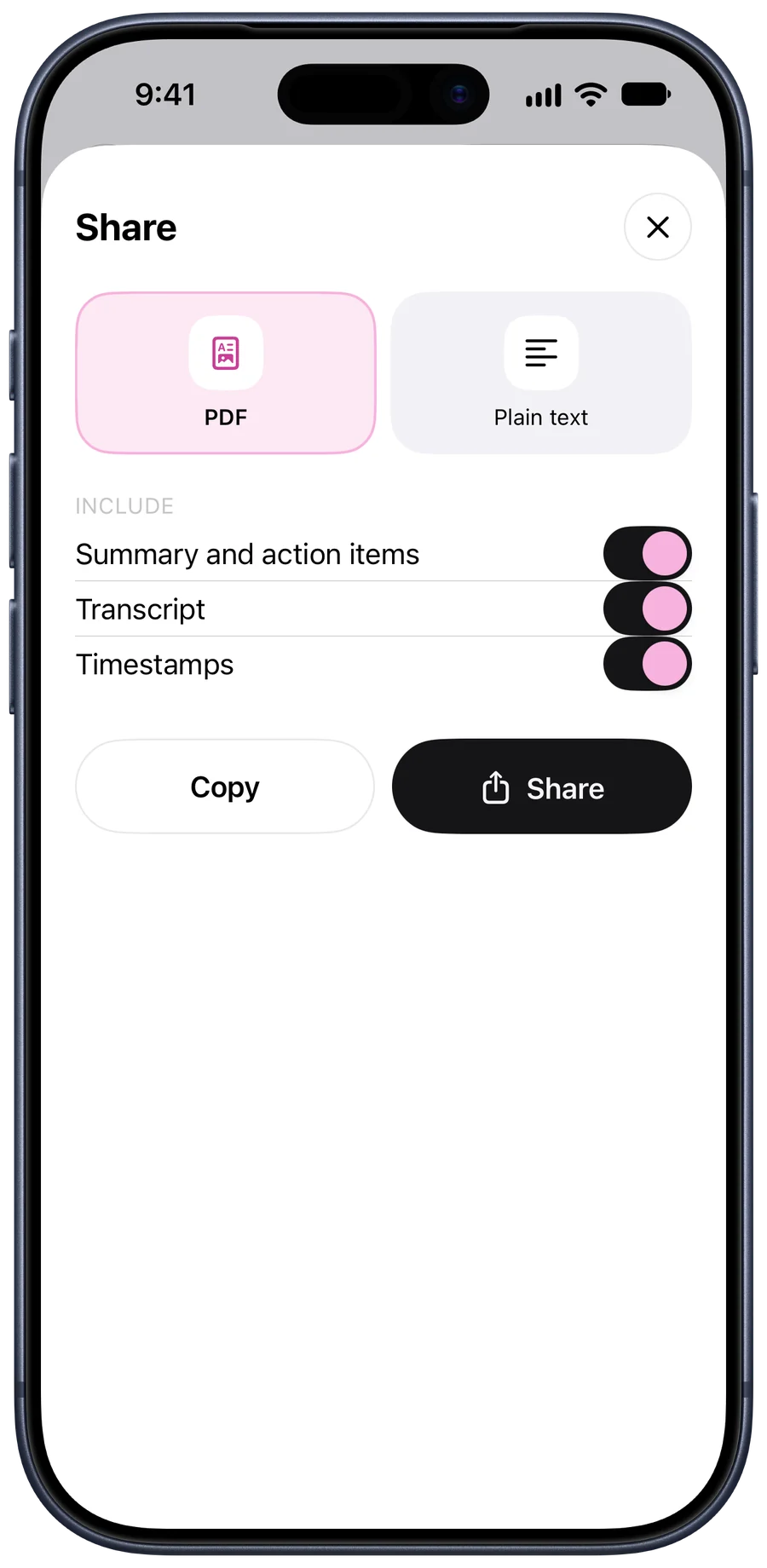
Share any note as a PDF or as plain text, and choose what goes in: the summary and action items only, or the whole transcript with timestamps. Most teams want the first; keep the transcript for the person who asks “what exactly did we agree?”
What it doesn’t do
- Speaker names. The transcript doesn’t label who said what. In a two-person one-to-one that’s rarely a problem; in a busy meeting you’ll read it as a conversation.
- Video calls. It doesn’t join calls. Record the call in the call app and share the file to Tapescript.
- No connection. The note is written on Tapescript’s servers, so a recording made without a connection waits on your phone until you’re back online.
The short version
- Tell the room. Say you're recording, and why. In some places everyone's consent is required by law.
- Put the phone in the middle of the table. Screen up, at an equal distance from everyone, away from the coffee machine and the laptop fans.
- Start recording. In Tapescript, tap record and title the recording with the meeting's name.
- Stop when the meeting ends. The transcript, a summary and the action items arrive in the note.
- Share the notes. Share the summary and action items as a PDF or text with whoever needs them.
Questions
Is it legal to record a meeting on my iPhone?
It depends where you are. Some places let you record a conversation you're part of; others, including California and several other US states, need everyone's consent. Saying you're recording at the start covers you almost everywhere.
Can I record a Zoom or Teams call on my iPhone?
Tapescript records what your iPhone's microphone hears, so it doesn't join or capture calls. If your call app saves a recording, share that file to Tapescript to have it written down.
How long can the meeting be?
Up to 3 hours in one recording with Tapescript Pro. Free recordings stop at 30 minutes and are still written down.
Will the transcript say who said what?
Not yet. The transcript is one stream of text with the time of every line.