Tapescript
Guides to recording on iPhone
Each one answers its question in the first paragraph, then shows the steps. Where Tapescript is part of the answer, we say what it can’t do too.
-
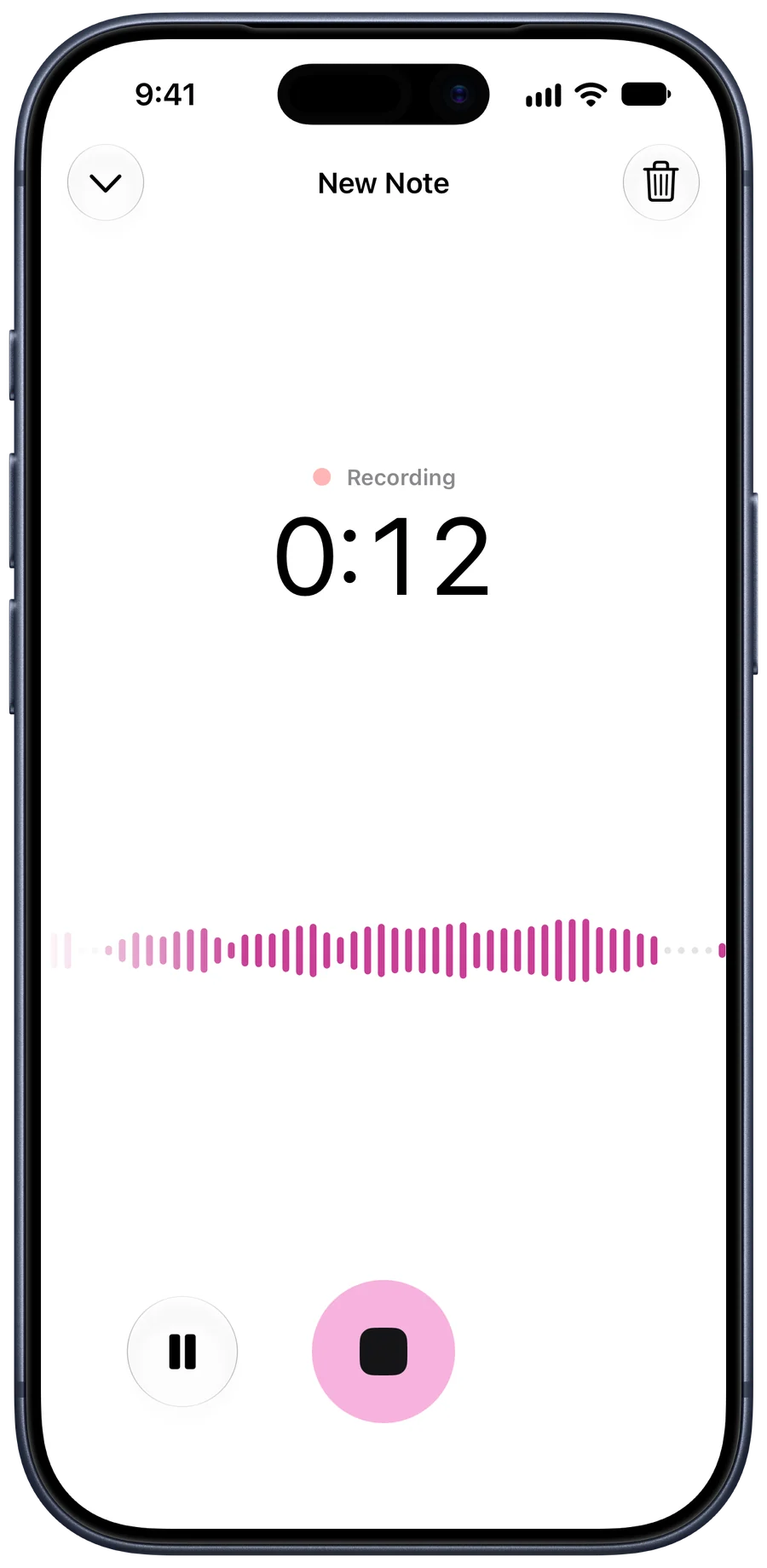 How to record a meeting on iPhone How to record an in-person meeting on your iPhone, where to put the phone, what to say first, and how to get the summary and action items afterwards.
-
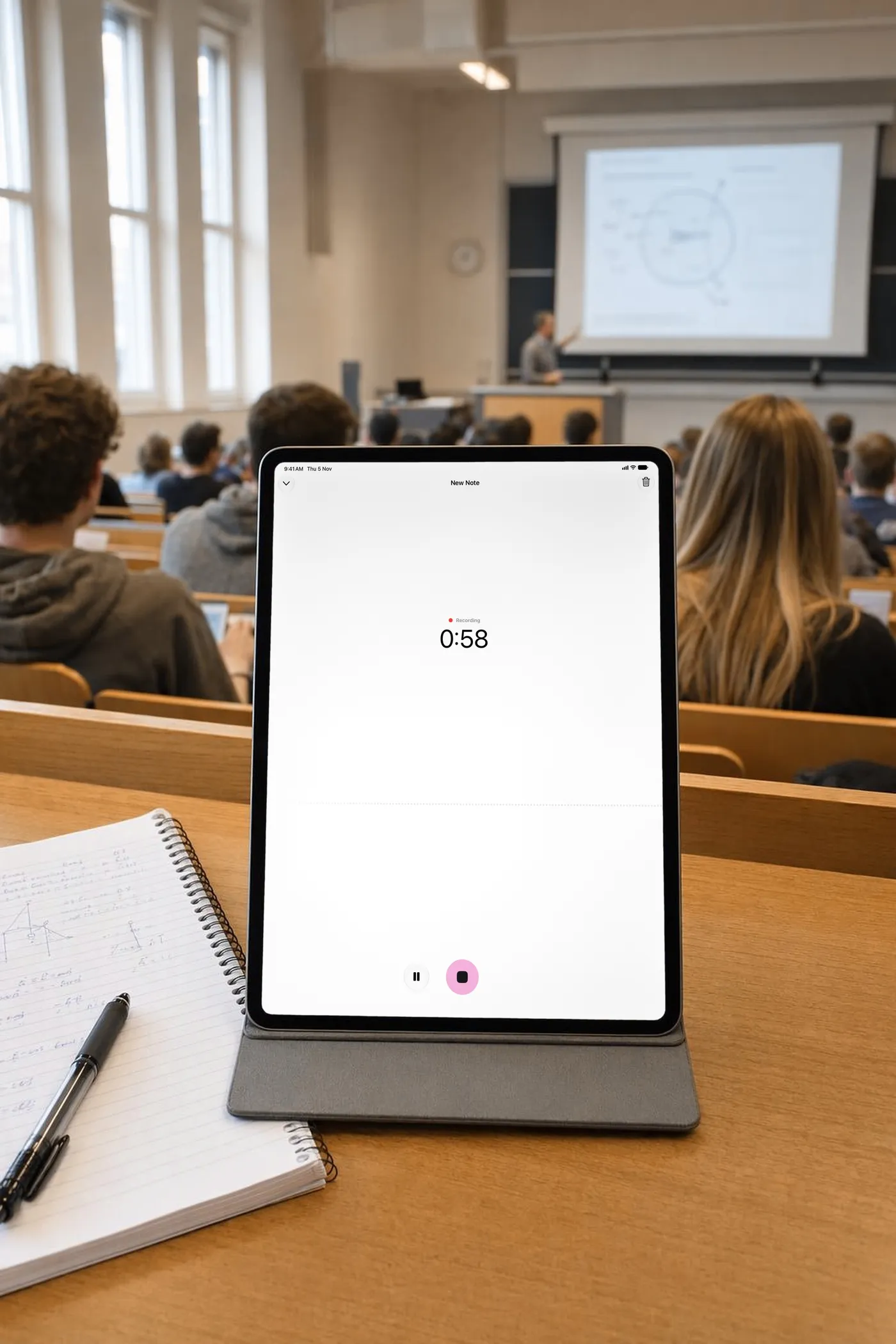 How to record lectures on iPhone and get notes How to record a lecture on your iPhone so it's worth listening to later, where to sit, what to ask first, and how to turn the recording into notes.
-
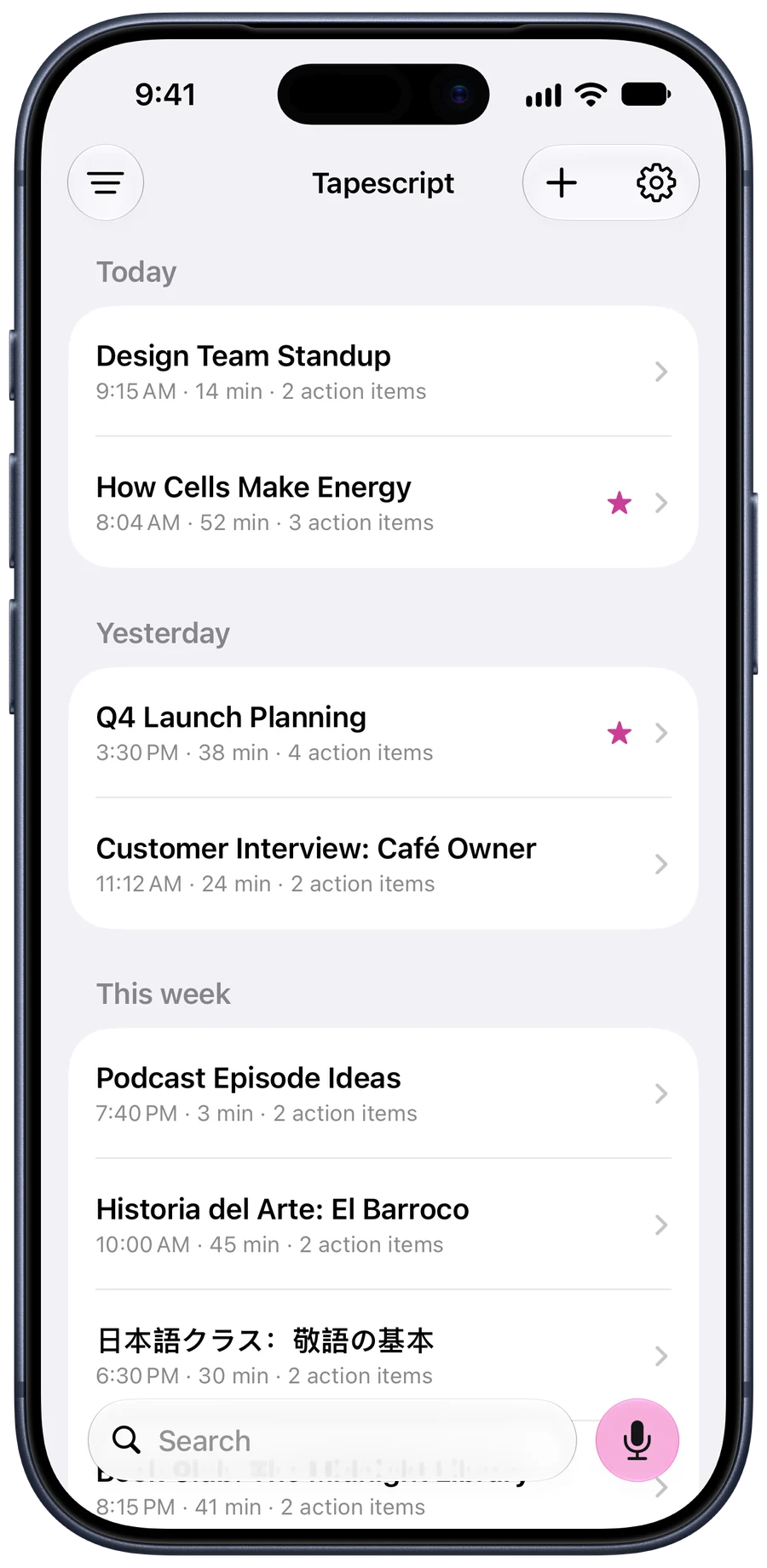 How to transcribe an interview on iPhone How to record an interview on your iPhone so it transcribes well, then get a transcript with timestamps, a summary and the quotes you need.
- How to transcribe voice memos on iPhone Three ways to turn a voice memo into text on iPhone, from the transcript built into Voice Memos to sharing it to an app that also writes a summary.
Your next class, written down.
Get Tapescript from the App Store. Your first 3 recordings are free, each with its full transcript and summary.
Download TapescriptGet it for iPhone Free on the App Store
Made for iPhone and iPad. Open this page on your iPhone to get it.
- 3 free recordings
- No account
- Notes in your iCloud
- iOS 18 or later