Tapescript
Meeting notes, without taking any
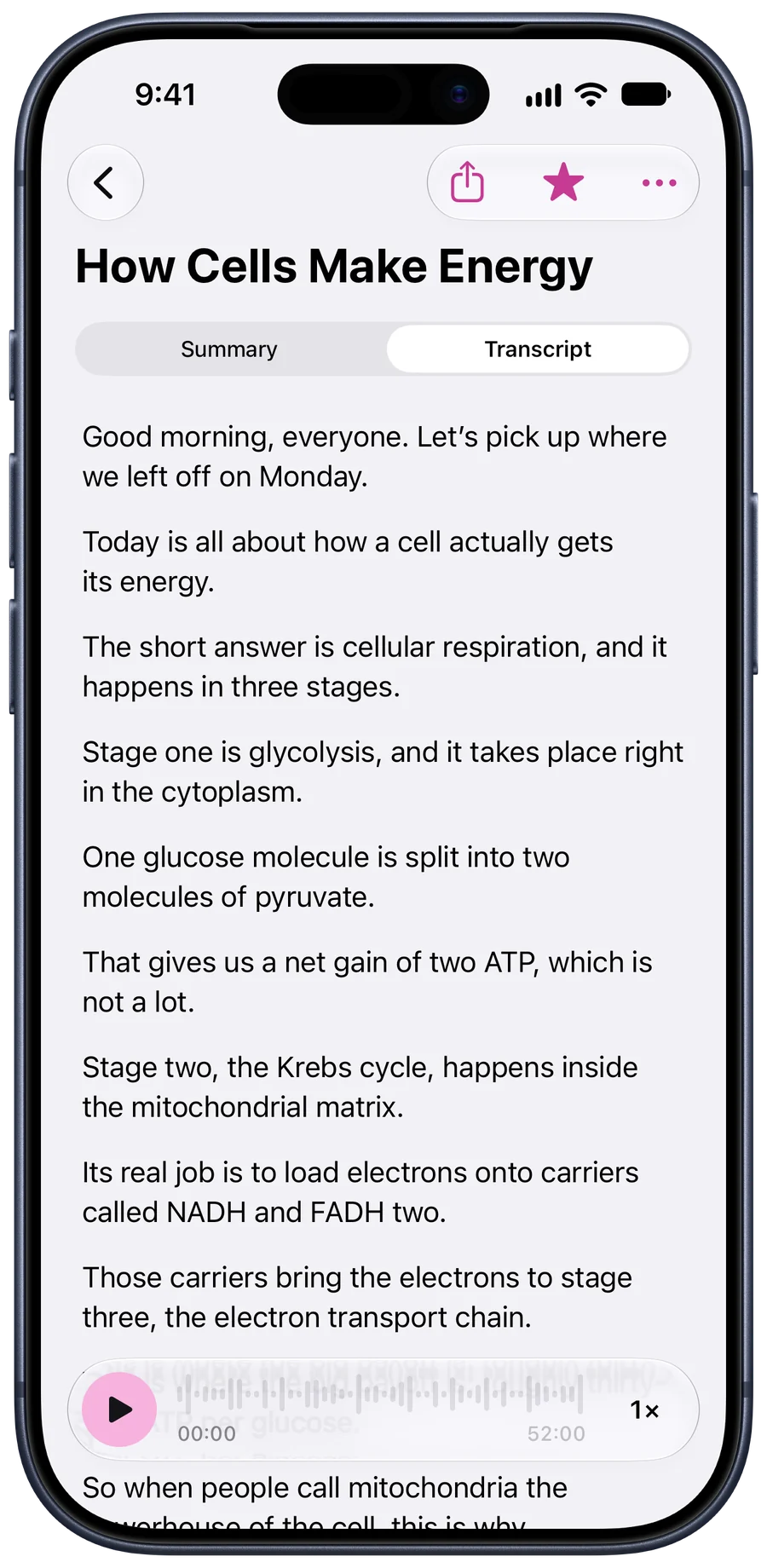
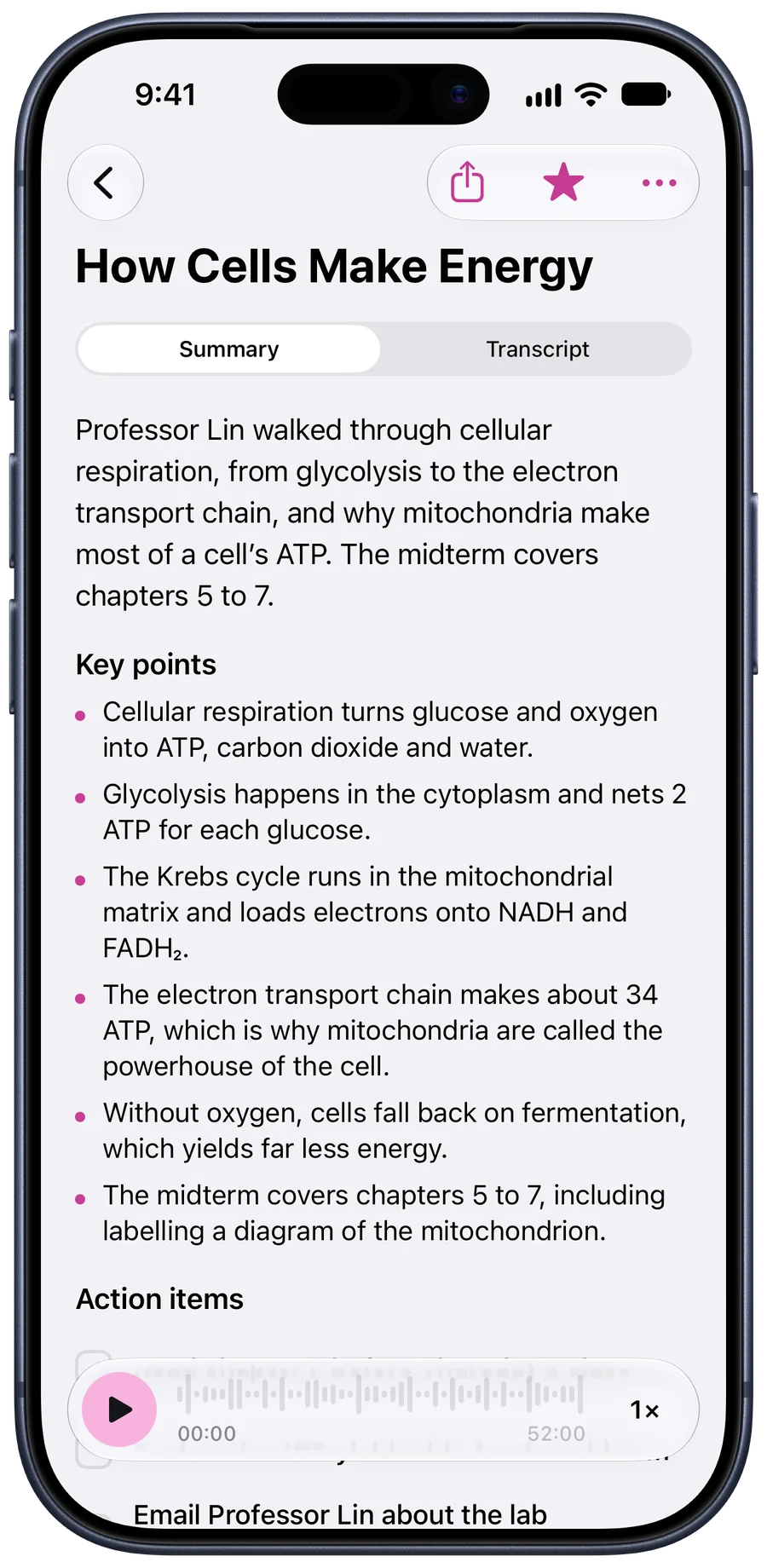
Put your iPhone on the table and tap record. When the meeting ends you have the whole conversation written down, a summary of what was decided and every action item, with when it’s due.
Free to start. Needs iOS 18 or later.
Tapescript is made for iPhone only (iOS 18 or later). Open this page on your iPhone to get it.

The part everyone forgets
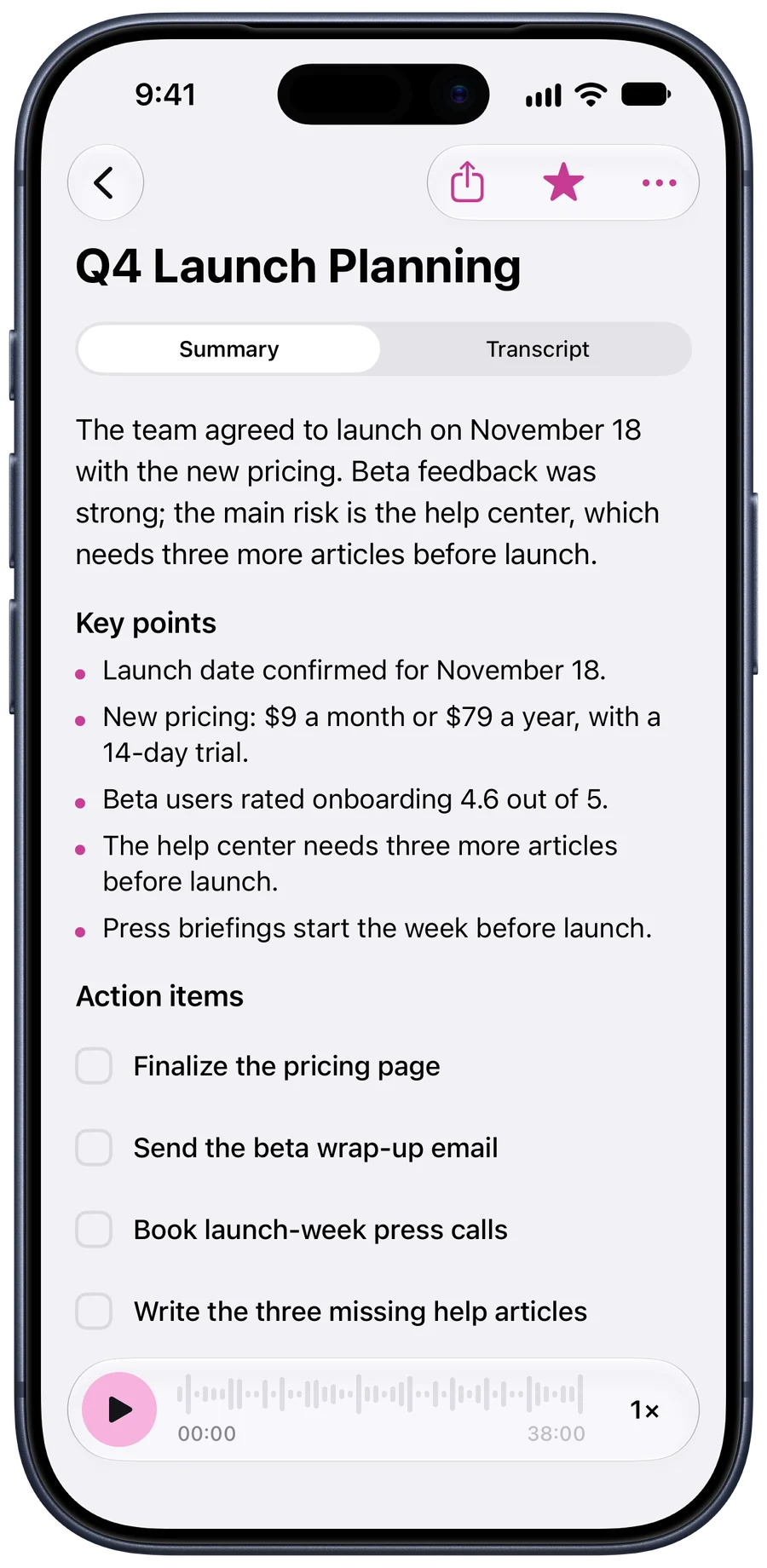
A 38-minute launch meeting in this example comes back with four action items: finish the pricing page, send the beta wrap-up email, book the press calls, write the three missing help articles.
The summary above them says what was agreed: launch on November 18, with the new pricing. Tick the items off in the note as they’re done.
What it suits, and what it doesn’t
It suits meetings in a room: stand-ups, planning sessions, one-to-ones, a client walking you through what they want. Anything your phone can hear from the table.
It doesn’t yet suit a meeting where you need each line under a name, because the transcript doesn’t label speakers. And it doesn’t join calls: for those, record the call and share the recording to Tapescript.
Q4 Launch Planning
- Okay, let’s get started. Main goal today is to lock the launch plan.
- First, the date. Are we all comfortable with November eighteenth?
- Great, November eighteenth it is.
- Next, pricing. We’re going with nine a month or seventy-nine a year.
- And a fourteen-day trial on both plans.
- Maya, can you finalize the pricing page by Friday?
No bot, no account
Nothing joins your meeting and nobody gets an invitation. Your notes are saved in your own iCloud. The audio goes to our servers to be written down and each part is discarded once it’s done; the privacy policy says exactly what is kept.
Before the meeting starts
- Say you’re recording. It’s polite, and in some places it’s the law.
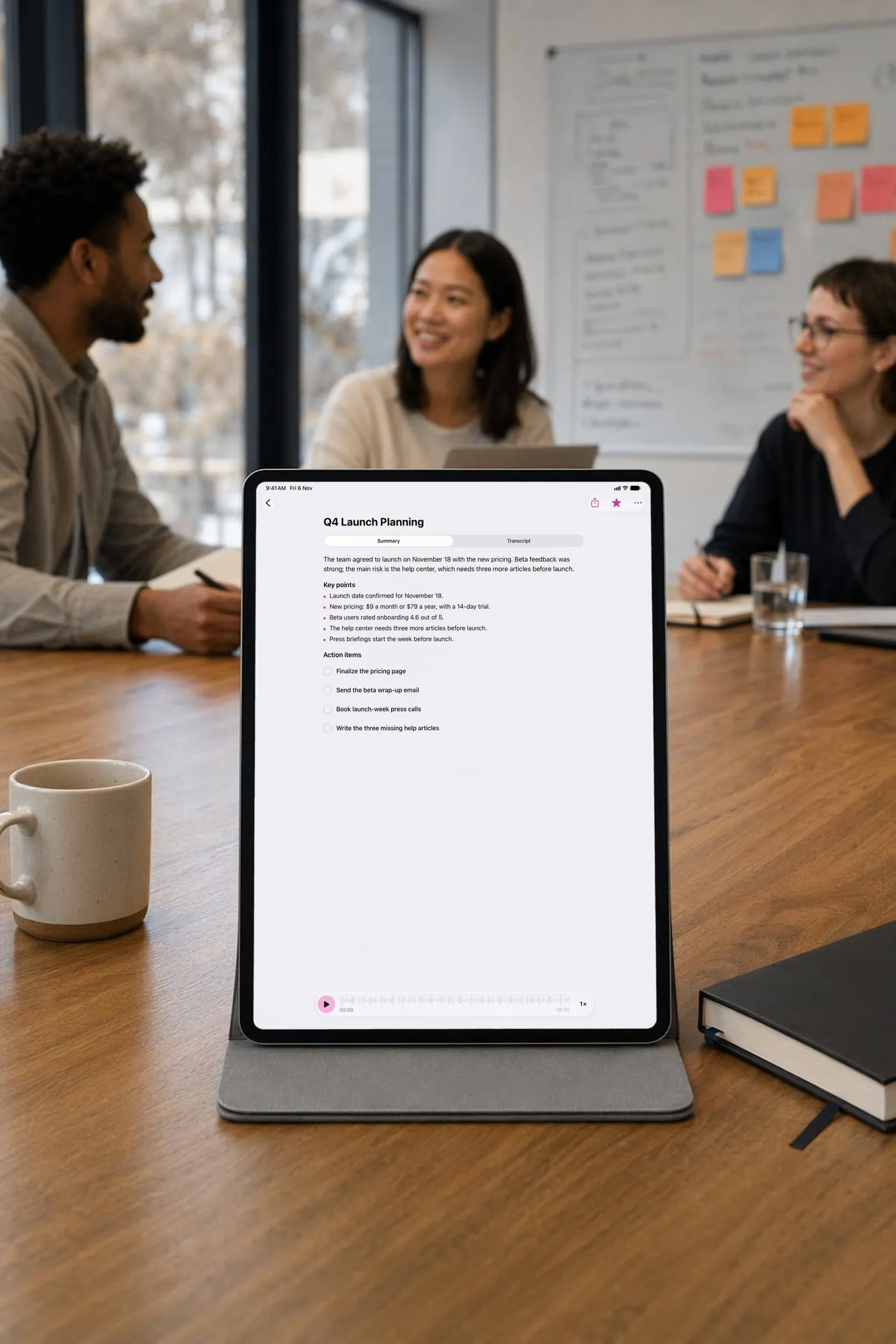
- Middle of the table. Equal distance to everyone, screen up, away from the coffee machine.
- Share it after. Send the summary and action items as text or a PDF to whoever needs them.
The longer version: how to record a meeting on an iphone.
Questions people ask
How do I record a meeting on my iPhone?
Open Tapescript, tap record and put the phone in the middle of the table. Stop when the meeting ends; the transcript, summary and action items arrive in the note.
Does it record video calls or phone calls?
No. It records what your iPhone’s microphone hears in the room. If your call app can save a recording, import that file into Tapescript to have it written down.
Does it tell me who said what?
Not yet. The transcript is one stream of text with times, so in a meeting where several people talk you’ll read it as a conversation, not a script with names.
How long can a meeting be?
Up to 3 hours in one recording with Pro. A free recording stops at 30 minutes and is still written down.
Can I share the notes with the team?
Yes. Share any note as a PDF or plain text and choose what goes in: the summary and action items, the transcript, the timestamps.
Your next meeting, written down.
Get Tapescript from the App Store. Your first 3 recordings are free, each with its full transcript and summary.
Made for iPhone and iPad. Open this page on your iPhone to get it.
- 3 free recordings
- No account
- Notes in your iCloud
- iOS 18 or later