Record the class. Read the notes.

Tapescript is a voice recorder with transcription for iPhone. Stop recording and the whole transcript arrives, with a summary, key points and action items.

Download for iPhone Available for iPhone

Your first 3 recordings are free. No account to make.

Tapescript is made for iPhone only (iOS 18 or later). Open this page on your iPhone to get it.

  • Over 60 languages
  • Up to 3 hours a recording
  • iPhone and iPad
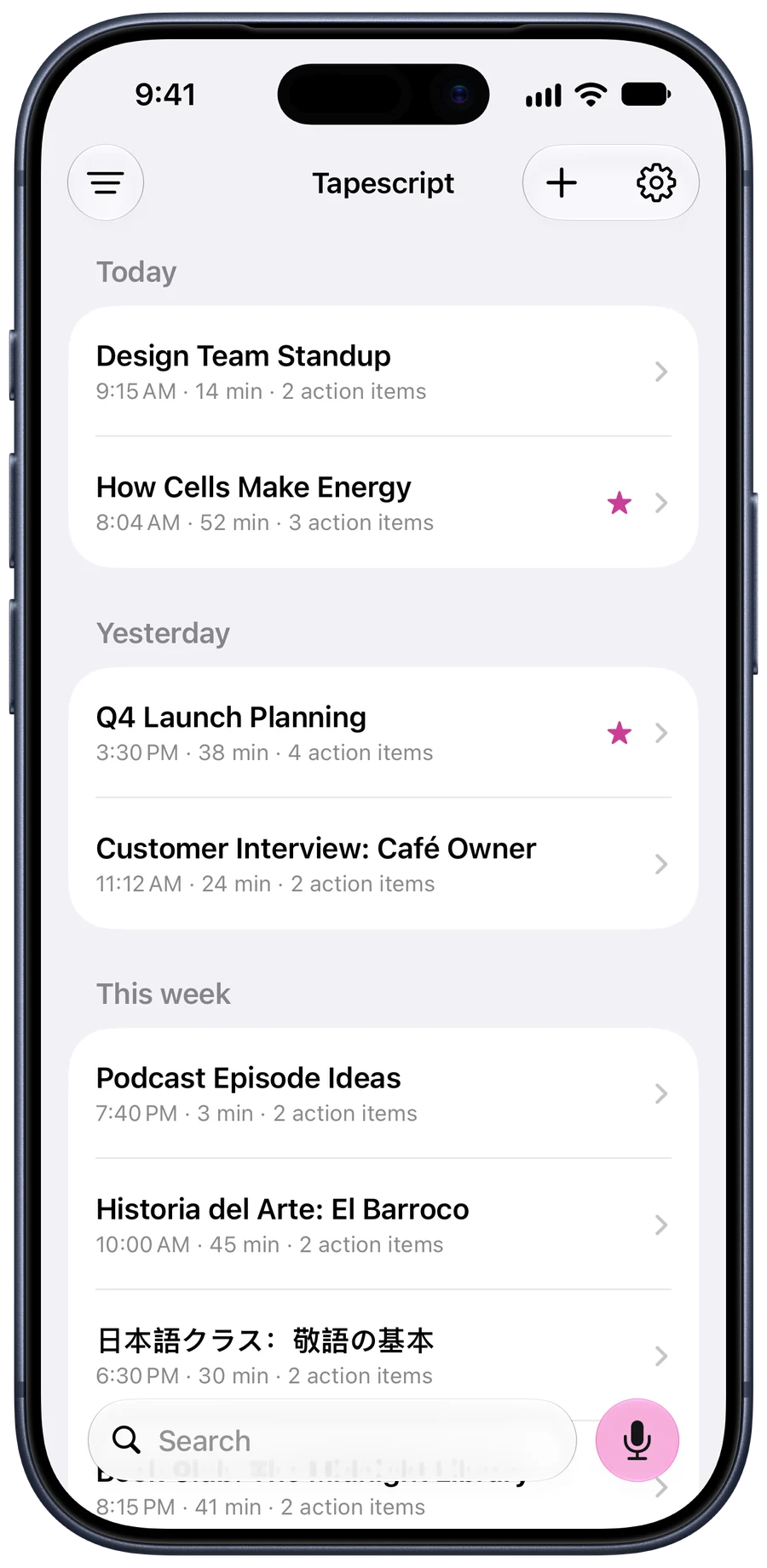
A week of notes in Tapescript, grouped by day
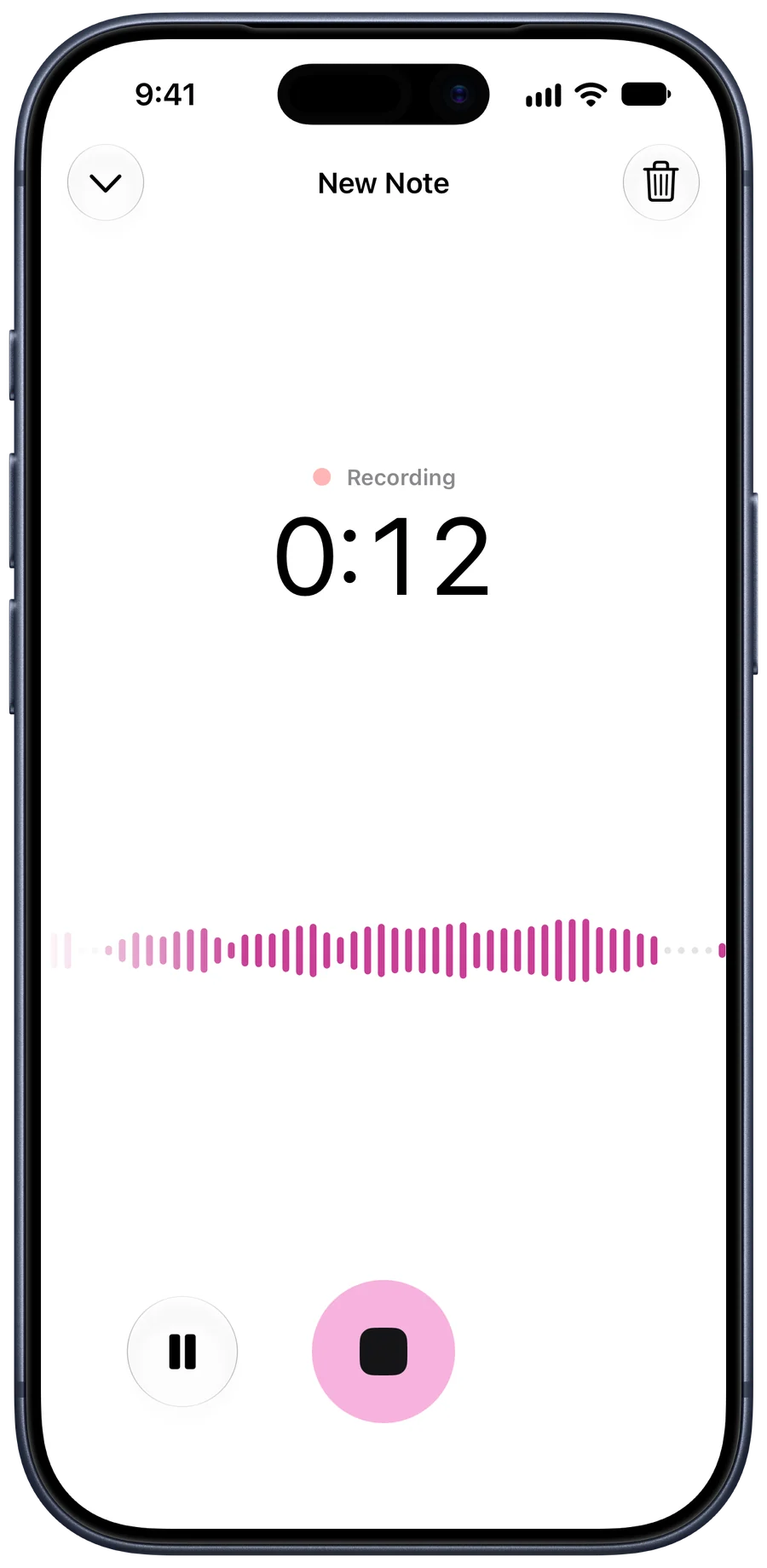
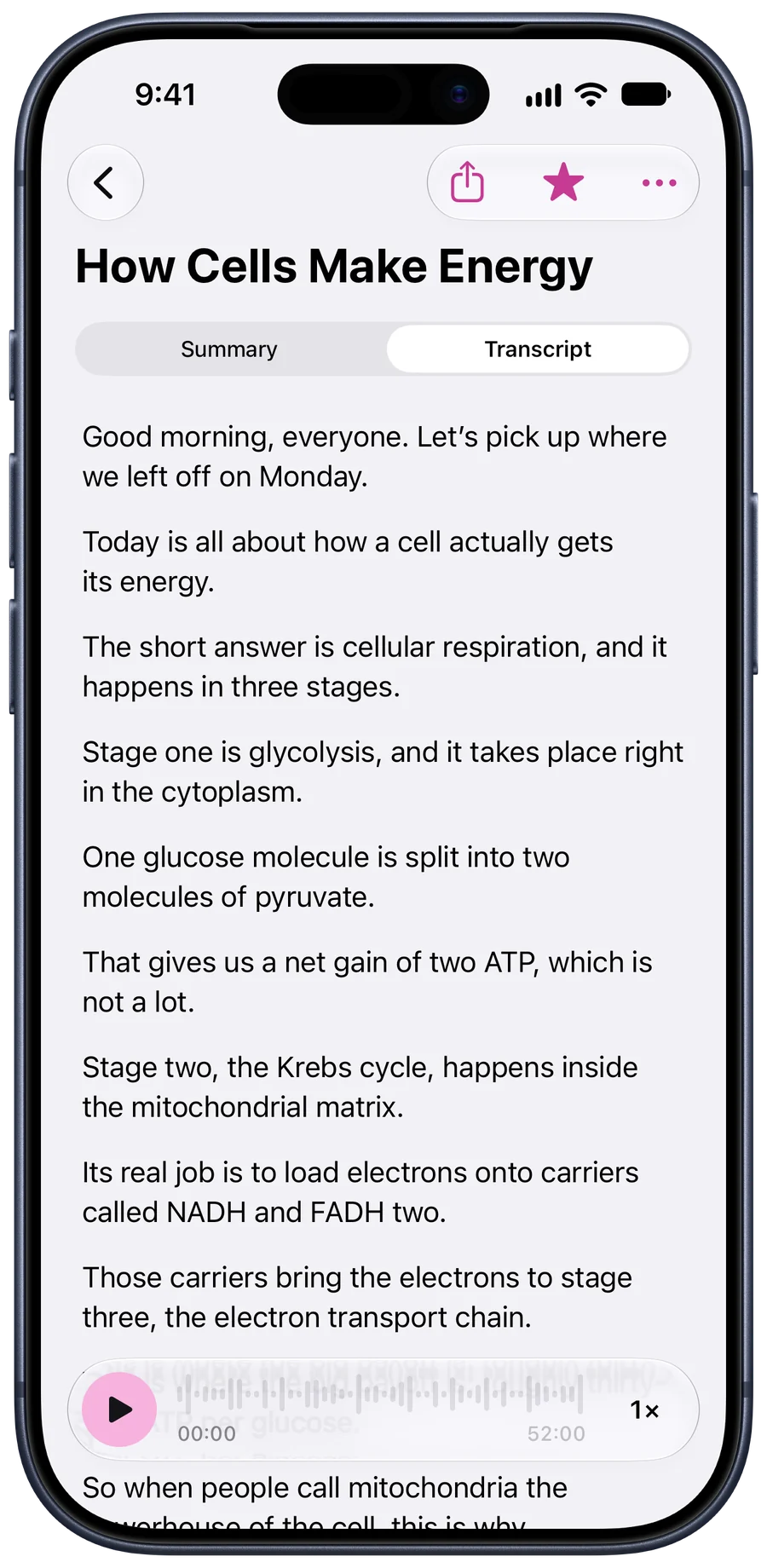
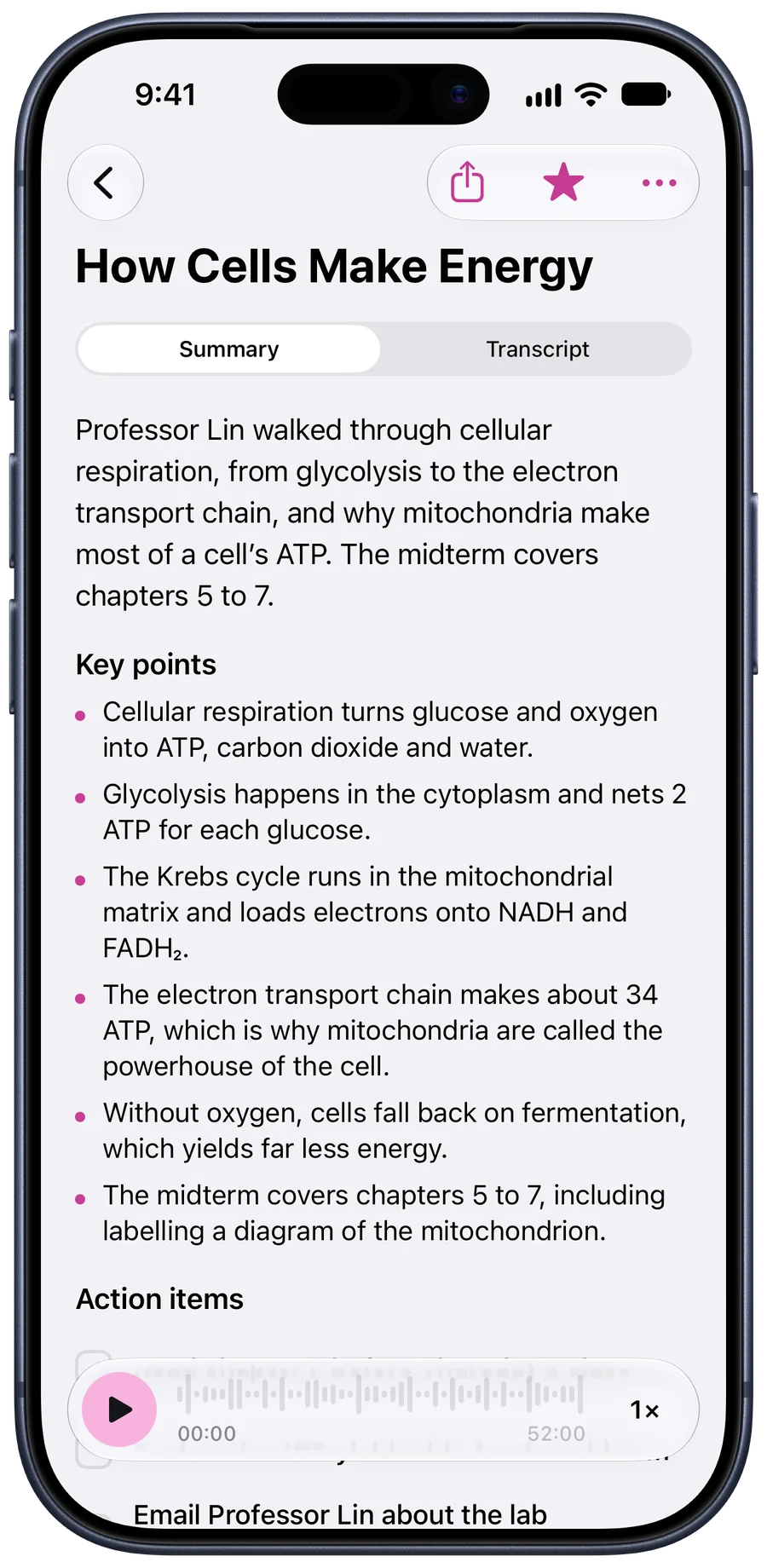
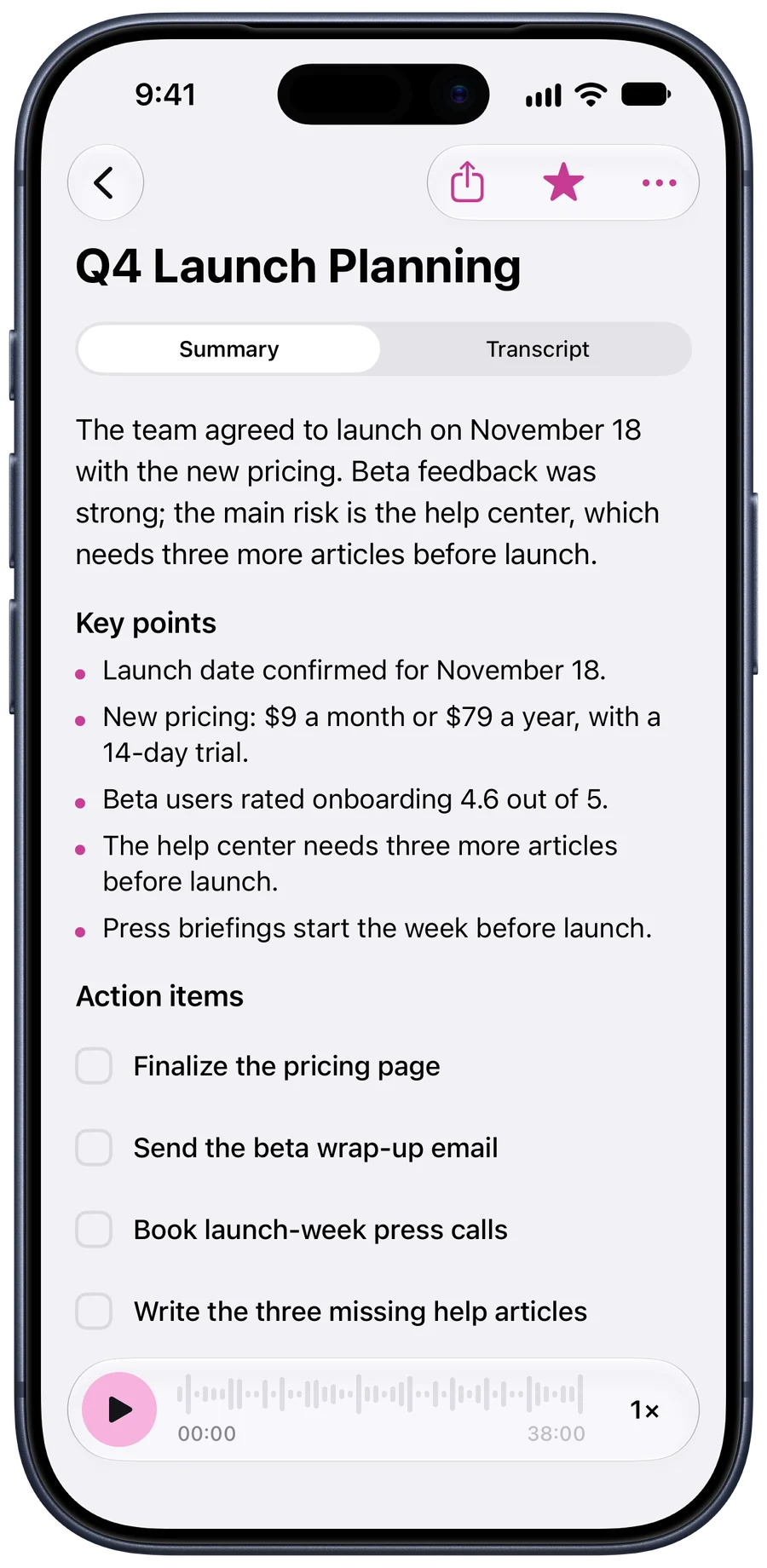
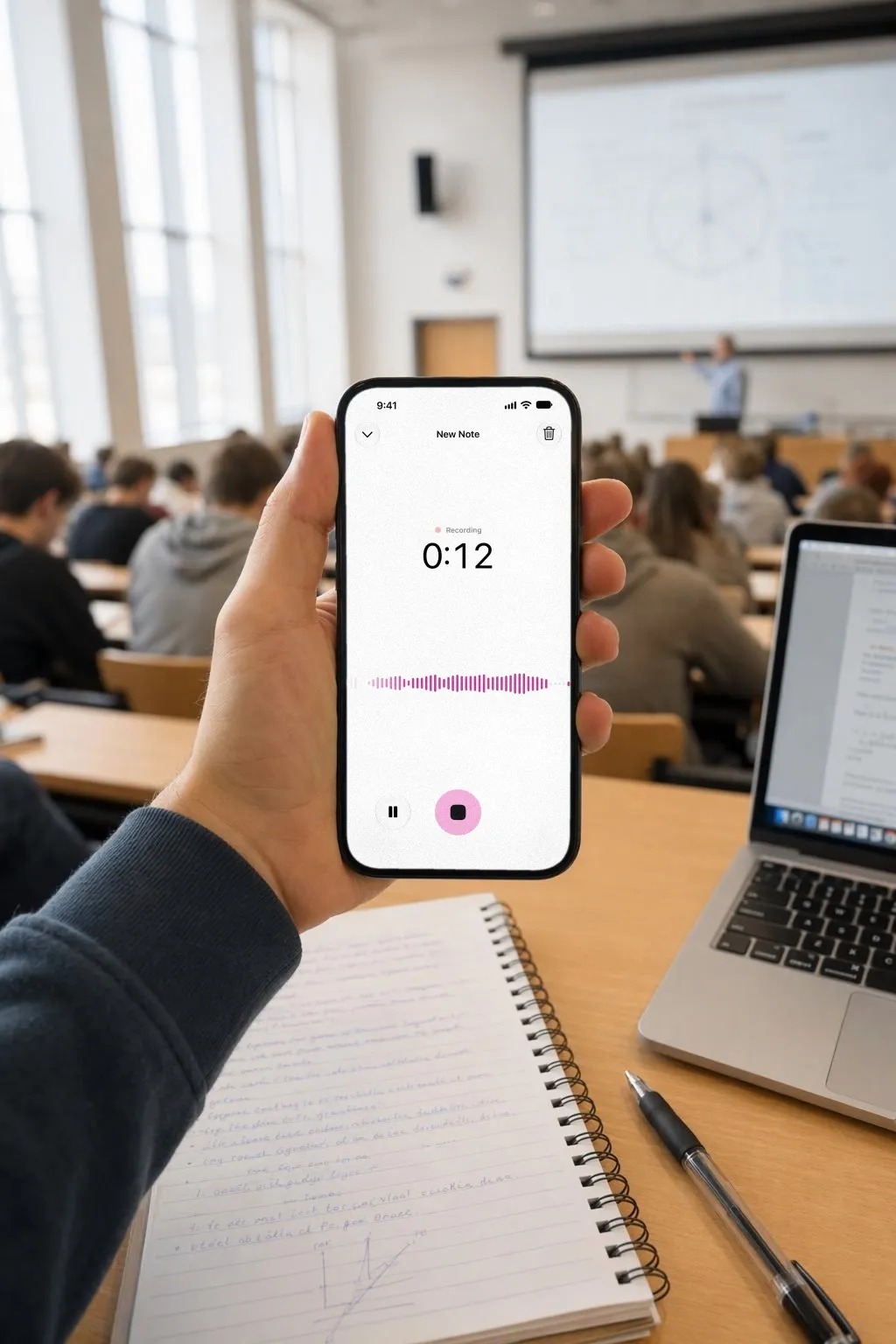
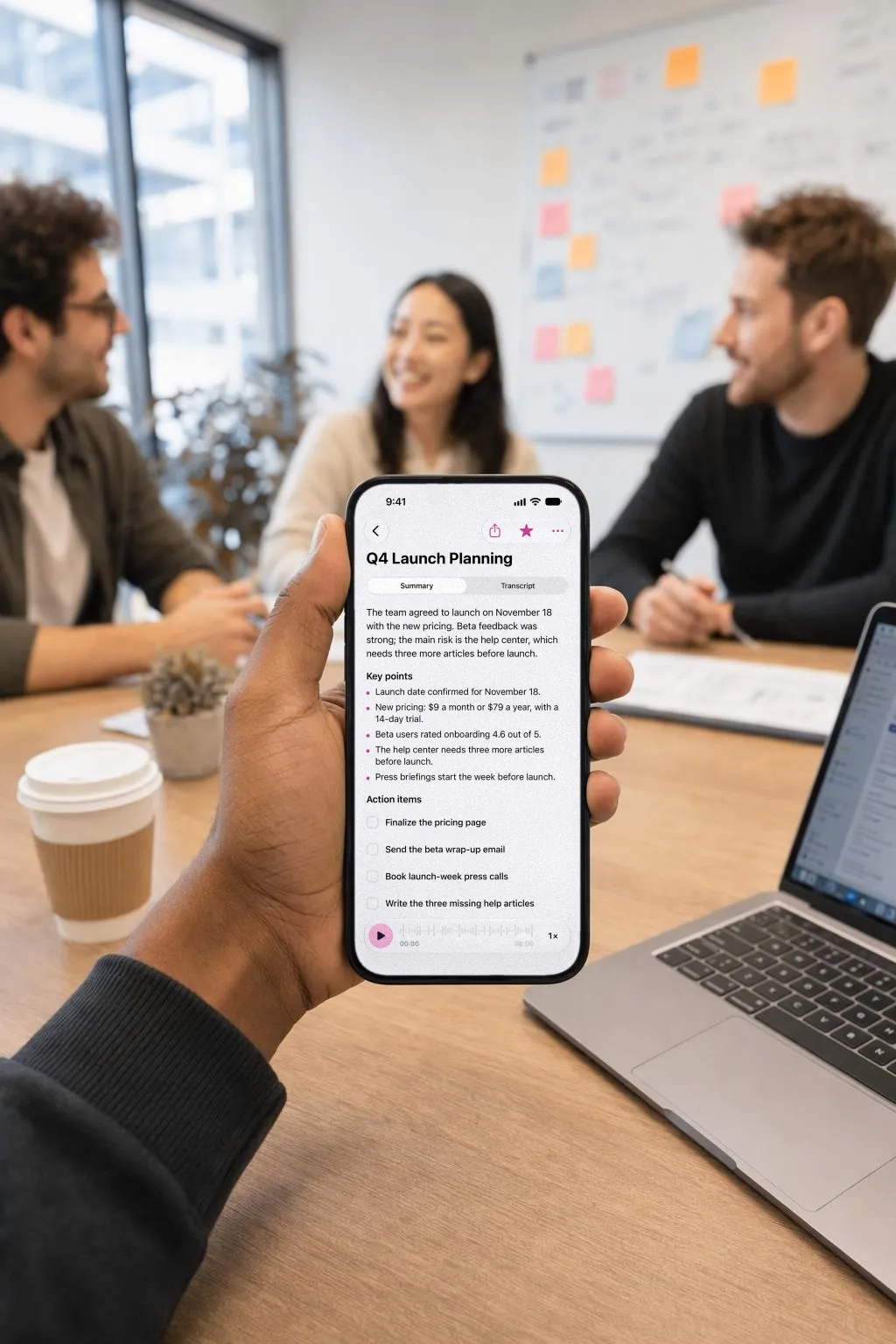
Tapescript recording a lecture: the timer and a live waveformThe lecture’s full transcript, with the time beside each lineThe lecture’s summary and key pointsA meeting’s summary and four action items

From record to notes

Free recordings run to 30 minutes. With Pro, one recording can last 3 hours: a double lecture or a long workshop.

  1. Recording

    18:42

    How Cells Make Energy

    Tap record

    Give it a title if you like, then put the phone down and listen.

  2. Tapescript18:42

    Use your phone

    Switch apps or lock the screen. It keeps recording, with a stop button in the Dynamic Island.

  3. How Cells Make Energy

    52 min · Today, 08:04

    Writing your note. You’ll get an alert when it’s ready.

    Stop, and it’s written

    The transcript, summary and action items arrive in the note, and you get an alert when they do.

What one recording turns into

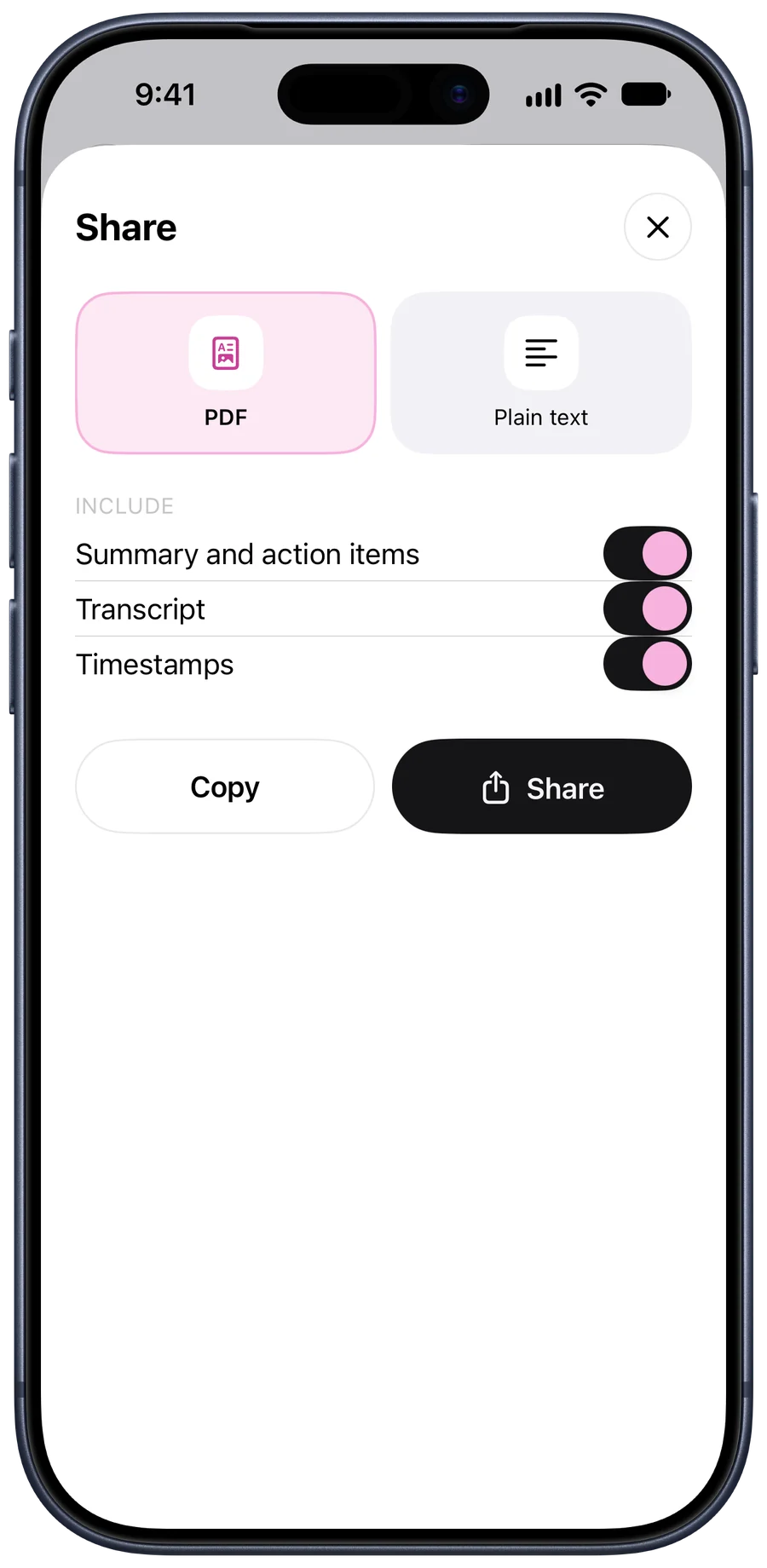
  • Every word, with its time

    Tap a line and the recording plays from there.

    How Cells Make Energy

    1. Good morning, everyone. Let’s pick up where we left off on Monday.
    2. Today is all about how a cell actually gets its energy.
    3. The short answer is cellular respiration, and it happens in three stages.
    4. Stage one is glycolysis, and it takes place right in the cytoplasm.
    5. One glucose molecule is split into two molecules of pyruvate.
    6. That gives us a net gain of two ATP, which is not a lot.
    7. Stage two, the Krebs cycle, happens inside the mitochondrial matrix.
  • A summary and the key points

    Two sentences on what it was about, then what you’d have highlighted.

    How Cells Make Energy

    Professor Lin walked through cellular respiration, from glycolysis to the electron transport chain, and why mitochondria make most of a cell’s ATP. The midterm covers chapters 5 to 7.

    Key points

    • Cellular respiration turns glucose and oxygen into ATP, carbon dioxide and water.
    • Glycolysis happens in the cytoplasm and nets 2 ATP for each glucose.
    • The Krebs cycle runs in the mitochondrial matrix and loads electrons onto NADH and FADH₂.
    • The electron transport chain makes about 34 ATP, which is why mitochondria are called the powerhouse of the cell.
  • Action items, with the day

    What people said they’d do. Tick them off in the note.

    Q4 Launch Planning

    Action items

    • Finalize the pricing page · Friday
    • Send the beta wrap-up email · Monday
    • Book launch-week press calls
    • Write the three missing help articles · Nov 14
  • Over 60 languages

    Each written in its own script.

    日本語クラス:敬語の基本

    30 min · Japanese

    尊敬語・謙譲語・丁寧語の三つの違いを学びました。来週は小テストがあります。

    • 敬語には尊敬語・謙譲語・丁寧語の三種類がある。
    • 「いらっしゃる」は「いる・来る・行く」の尊敬語。
    • 「申す」は「言う」の謙譲語。

Where your recording goes

There’s no account to make. Your notes are files in your own iCloud, so a new iPhone on the same Apple Account finds them there, and we can’t open them.

To write a recording down, Tapescript sends it to our servers over an encrypted connection, part by part as you record. Google’s Gemini models write the transcript and the summary, and each part of the audio is discarded once it’s written down. We never store the recording.

The finished note waits on our servers only until your iPhone collects it. If it never does, it’s deleted after 7 days. What Gemini sees isn’t used to train Google’s models.

That means you need a connection. A recording made without one waits on your phone and is written down when you’re back online.

The Tapescript teamDevjoy Ltd

Something unclear? Write to us.

kwill@devjoy.agency

Questions

Is Tapescript free?

Your first 3 recordings are free, up to 30 minutes each, and every one gets its full transcript and summary. After that, Tapescript Pro gives you 1,200 minutes a month, about 20 hours of recordings, with a free trial on the yearly plan.

How long can one recording be?

Up to 3 hours with Pro, which covers a double lecture or a long workshop. A free recording stops at 30 minutes and is still written down.

Which languages does it understand?

Over 60, including Spanish, French, German, Arabic, Hindi, Urdu, Japanese, Korean and Chinese. Each transcript is written in the language’s own script, so a Japanese class comes back in Japanese.

Does it keep recording if I switch apps?

Yes. Switch to another app and it carries on, with a stop button in the Dynamic Island and on the Lock Screen.

Does it say who said what?

Not yet. The transcript is one stream of text with the time of every line, which suits a lecture better than a busy meeting where five people talk at once.

Do I need an account?

No. There’s nothing to sign up for. Your notes are saved in your own iCloud, so a new iPhone signed in to the same Apple Account picks them up.

What happens to my audio?

Each part of a recording goes over an encrypted connection to our servers, where Google’s Gemini models write it down, and the audio is then discarded. The finished note waits for your iPhone to collect it, 7 days at most. The privacy policy has the detail.

Can it transcribe a recording I already have?

Yes. Import an audio or video file in the app, or share a voice memo to Tapescript from Voice Memos or Files. Here’s how.

Is there an Android version?

No. Tapescript is made for iPhone and iPad, running iOS 18 or later.
Your next class, written down.

Get Tapescript from the App Store. Your first 3 recordings are free, each with its full transcript and summary.

Download TapescriptGet it for iPhone Free on the App Store

Made for iPhone and iPad. Open this page on your iPhone to get it.

  • 3 free recordings
  • No account
  • Notes in your iCloud
  • iOS 18 or later