 Tapescript
How to transcribe an interview on iPhone
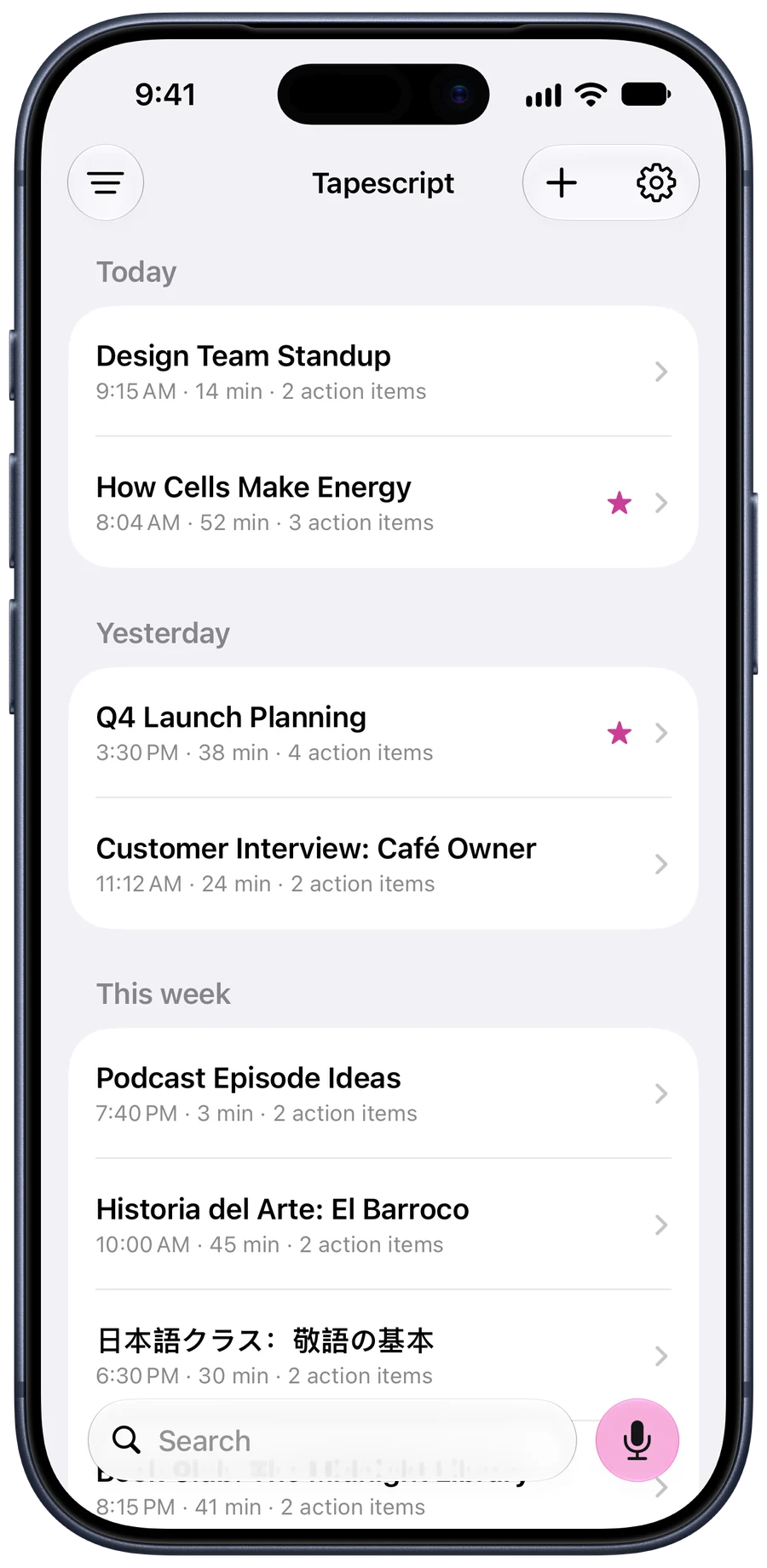
To transcribe an interview on an iPhone, record it in a quiet room with the phone between you and closer to the person you’re interviewing, ask for their consent on the recording, then let a transcription app write it down. Tapescript gives you the whole interview as text with the time of every line, a summary of what they said, and the follow-ups you promised. You can also share an interview you’ve already recorded to it, from Voice Memos, Files or another app.
Before you record
The quality of the transcript is decided before you press record. A quiet room does more than any app.
- Choose the room. Cafés are the worst place for an interview: the coffee machine and the music end up in the transcript. A meeting room, a quiet office or a phone call recorded on speaker in a quiet room are all better.
- Phone between you, closer to them. They’ll do most of the talking. Your questions can be quieter.
- Ask on the recording. Start recording, then ask “Is it OK if I record this?” Their yes is now at the top of the transcript, with a time.
- Say their name and the date. It labels the recording and makes it easy to find by search.
Record it
In Tapescript, tap record and title the recording with their name and the subject, such as “Customer interview: Rosa”. Put the phone down and keep your eyes on them; not having to write things down is most of the point.
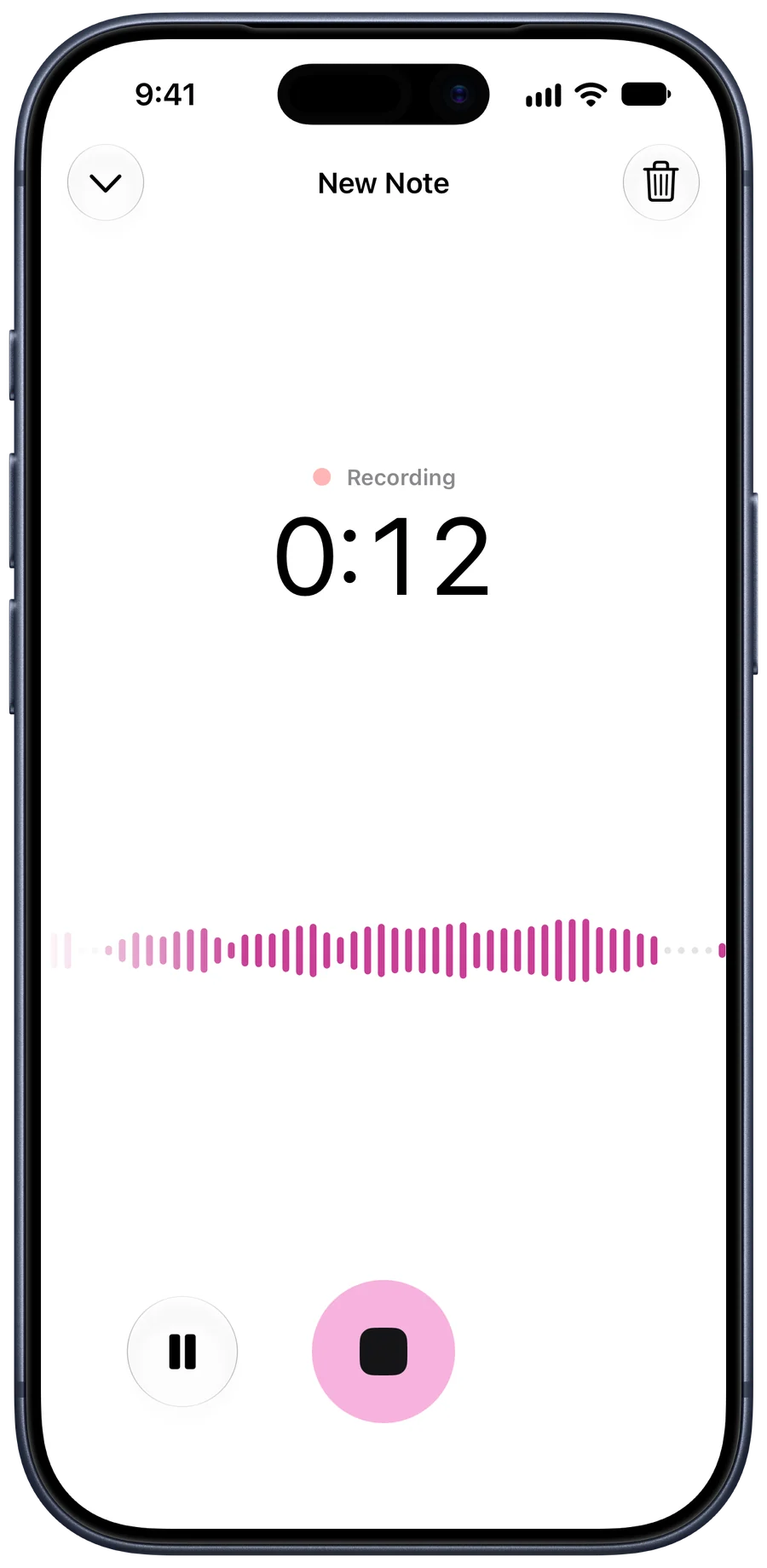
You can switch apps to check your question list; the recording carries on, with a stop button in the Dynamic Island. Free recordings stop at 30 minutes. With Pro an interview can run up to 3 hours.
Or transcribe one you already have
If you recorded the interview with something else, such as Voice Memos, a call app or a recorder, get the file onto your iPhone and share it to Tapescript, or import it from inside the app. Audio and video files both work; for video only the sound is used.
What comes back
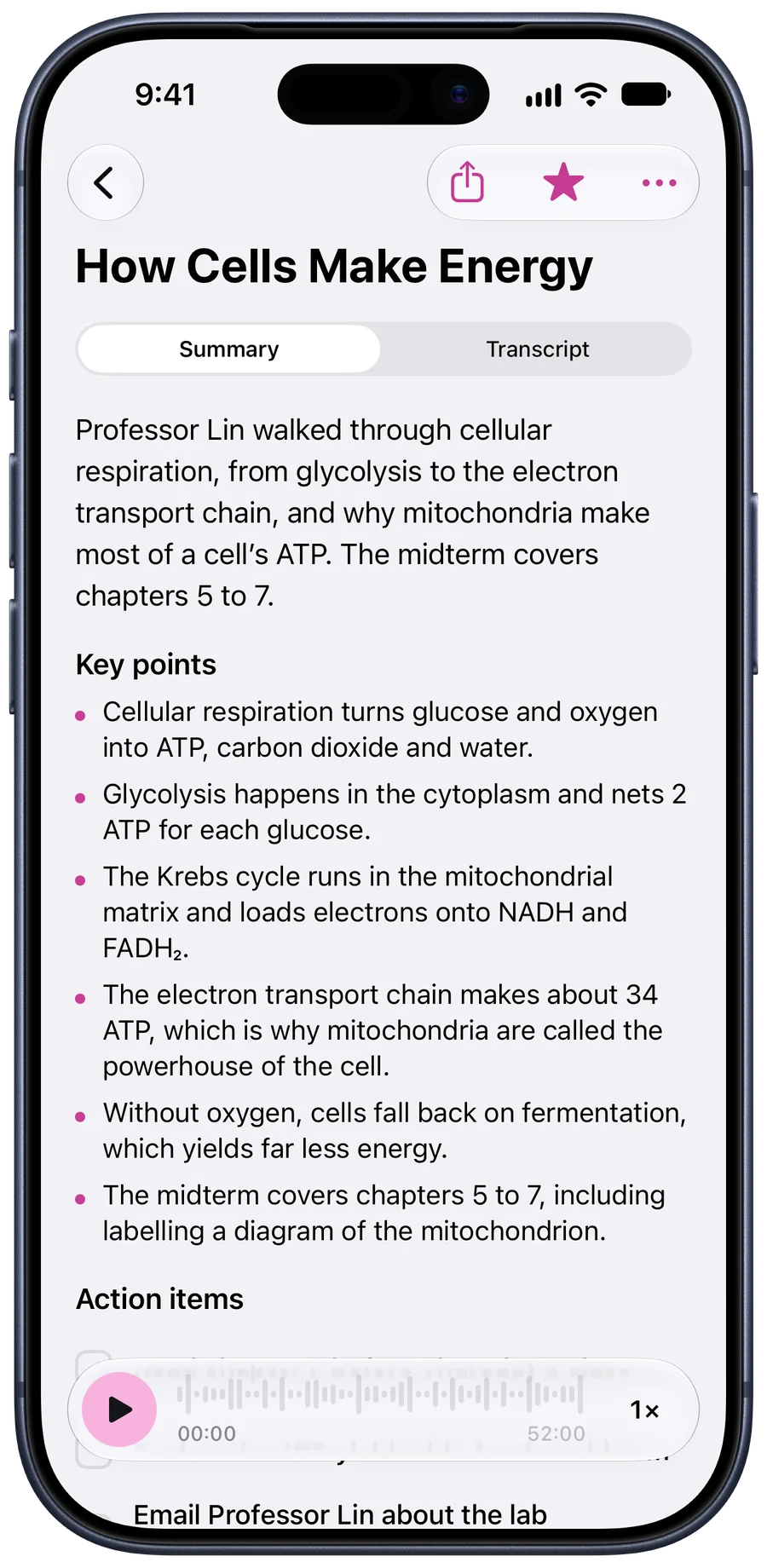
When you stop, Tapescript writes the note:
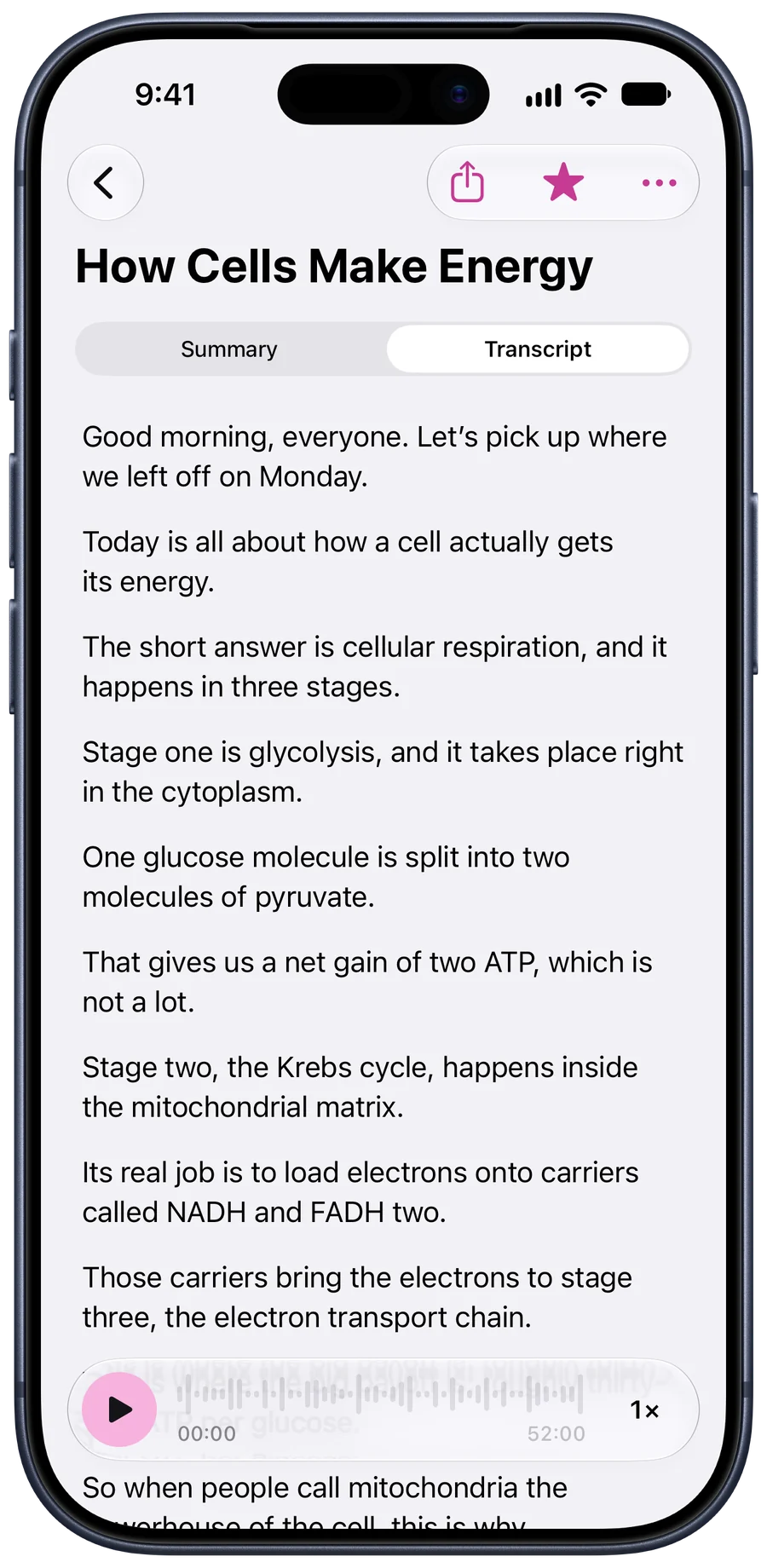
- The transcript, with the time of every line.
- A summary that puts the useful part first.
- Key points: the claims and numbers they gave you.
- Action items: the follow-ups you said you’d do.
In a 24-minute customer interview with a café owner, for example, the summary leads with the finding: she loses about five hours a week to staff schedules, and says what she’d pay to get them back. The action items are the two things you promised: send her the prototype next week, and add her quotes to the research board.
Quote it accurately
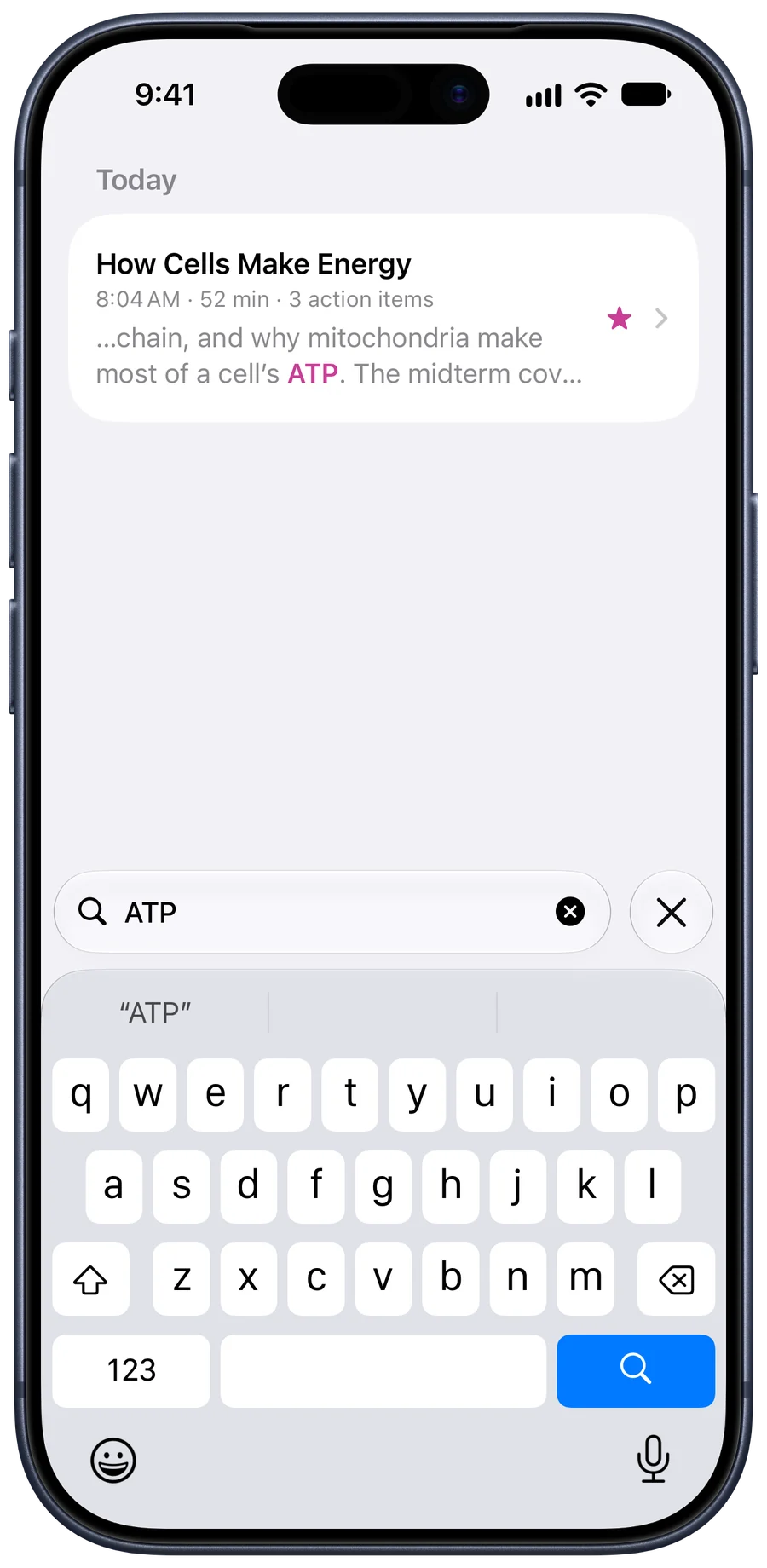
Search for the word you remember and the note opens to where it was said. Before you put a line in quotation marks, tap it and listen. The transcript gets the words right far more often than not, but tone matters in a quote, and a name or a figure is worth checking against the audio.
The limits
- No speaker labels. The transcript doesn’t mark who’s talking. In a one-to-one it’s usually obvious; in a panel of three it isn’t.
- Crosstalk. When you both talk at once, expect a garbled line.
- A connection is needed to write the note. Recorded without one, it waits on your phone until you’re back online.
The short version
- Ask on the recording. Start recording, then ask if it's all right to record, so their answer is at the top of the transcript.
- Find a quiet room. Avoid cafés, open-plan offices and anywhere with music.
- Put the phone between you, nearer them. They do most of the talking, so the phone should be closer to them than to you.
- Say their name and the date. It labels the note and helps when you search for it months later.
- Stop and check the quotes. Search the transcript for the line you want and tap it to hear how it was said before you quote it.
Questions
What is the best way to transcribe an interview on iPhone?
Record it in a quiet room with the phone close to the person you're interviewing, then let an app write it down. Tapescript gives you the transcript with timestamps, a summary and the follow-ups.
Can I transcribe an interview I've already recorded?
Yes. Share the audio or video file to Tapescript from Voice Memos, Files or another app, or import it from inside the app.
Does the transcript separate interviewer and interviewee?
Not yet. The transcript is one stream of text with times. In a one-to-one interview your short questions and their long answers are usually easy to tell apart.
Is the interview audio stored?
Tapescript sends the audio over an encrypted connection to be written down and discards each part once it's done. The note is saved in your own iCloud.