Tapescript
Think out loud, read it back
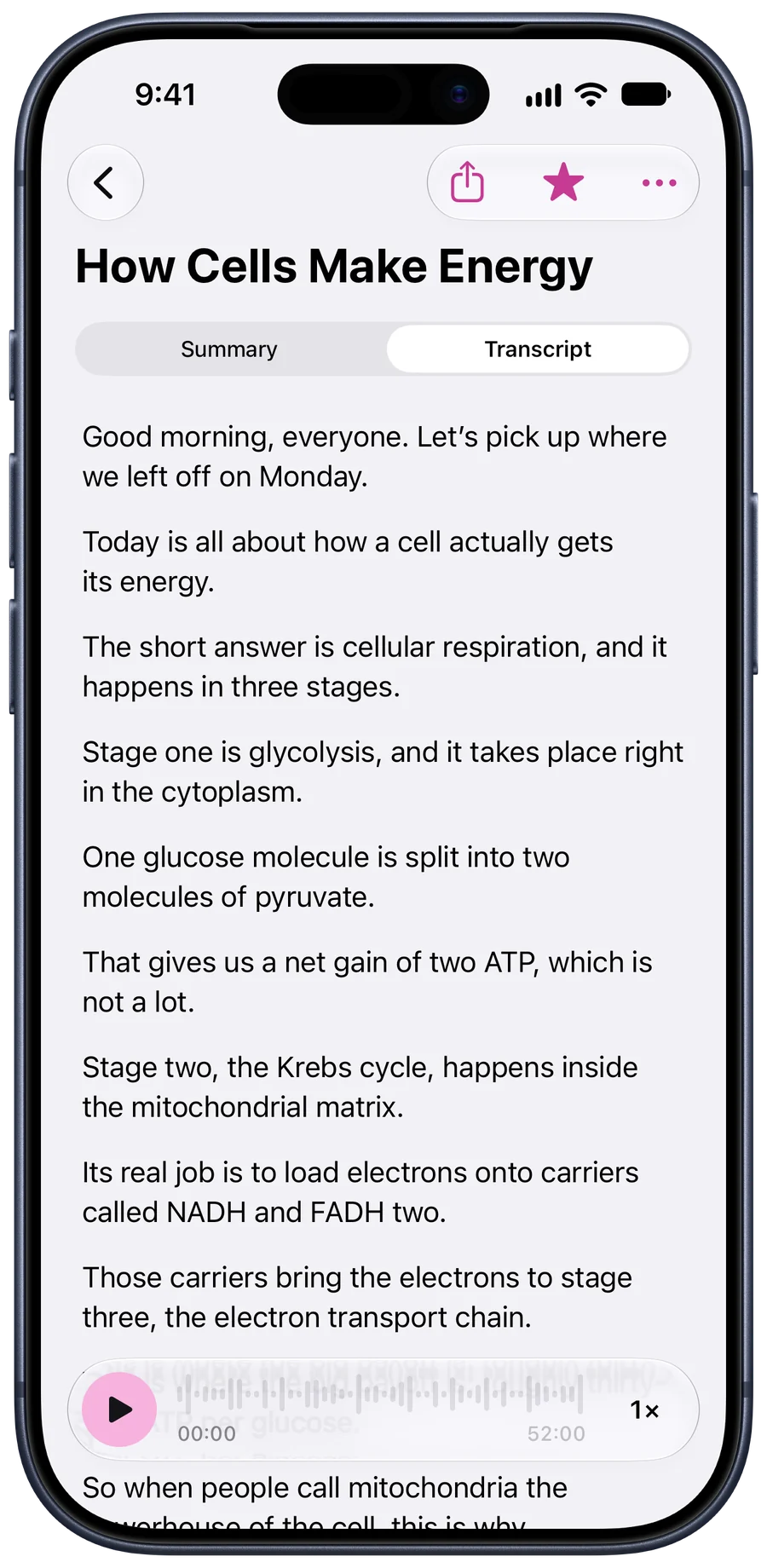
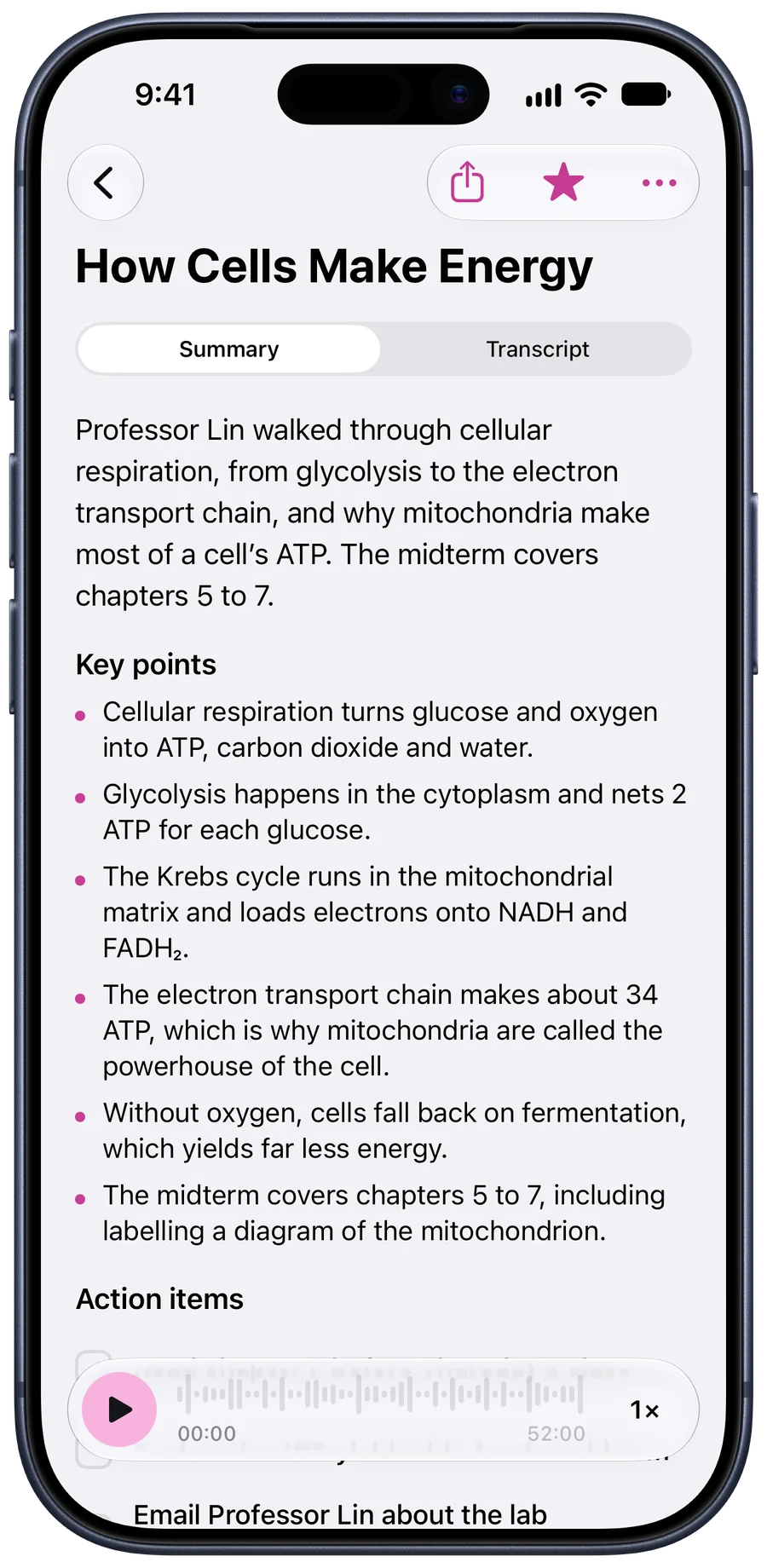
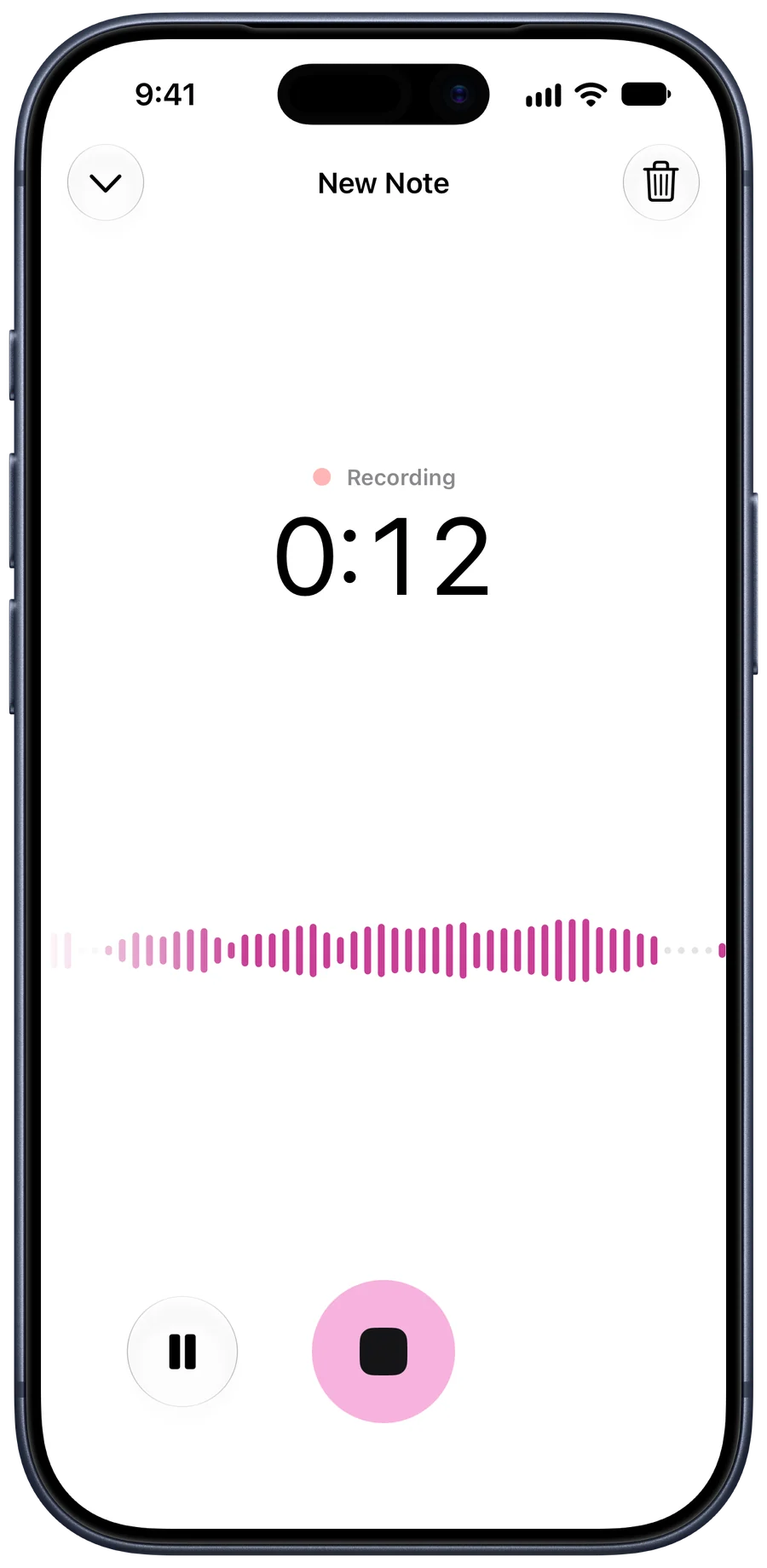
Ideas arrive on walks, in the car, halfway through a brainstorm. Record them as you say them and Tapescript gives them back as a list of ideas and what to do first.
Free to start. Needs iOS 18 or later.
Tapescript is made for iPhone only (iOS 18 or later). Open this page on your iPhone to get it.
Three minutes, three episodes
In this example a podcaster talks through next season for three minutes. The note comes back with three episode ideas and two first steps: reach out to two first-time founders, collect listener questions on Instagram.
Podcast Episode Ideas
Three episode ideas for next season: a remote-work myths episode, an interview with a first-time founder, and listener questions about burnout.
Key points
- Episode on remote-work myths, with data.
- Interview a first-time founder about year one.
- A listener Q&A on burnout and boundaries.
A brainstorm, minus the whiteboard photo
Record the team’s brainstorm or stand-up and the ideas and owners come back in writing. No one has to be the note-taker.
Design Team Standup
Action items
- Finish onboarding copy · Wednesday
- Share the prototype link with the research team
Find the idea again
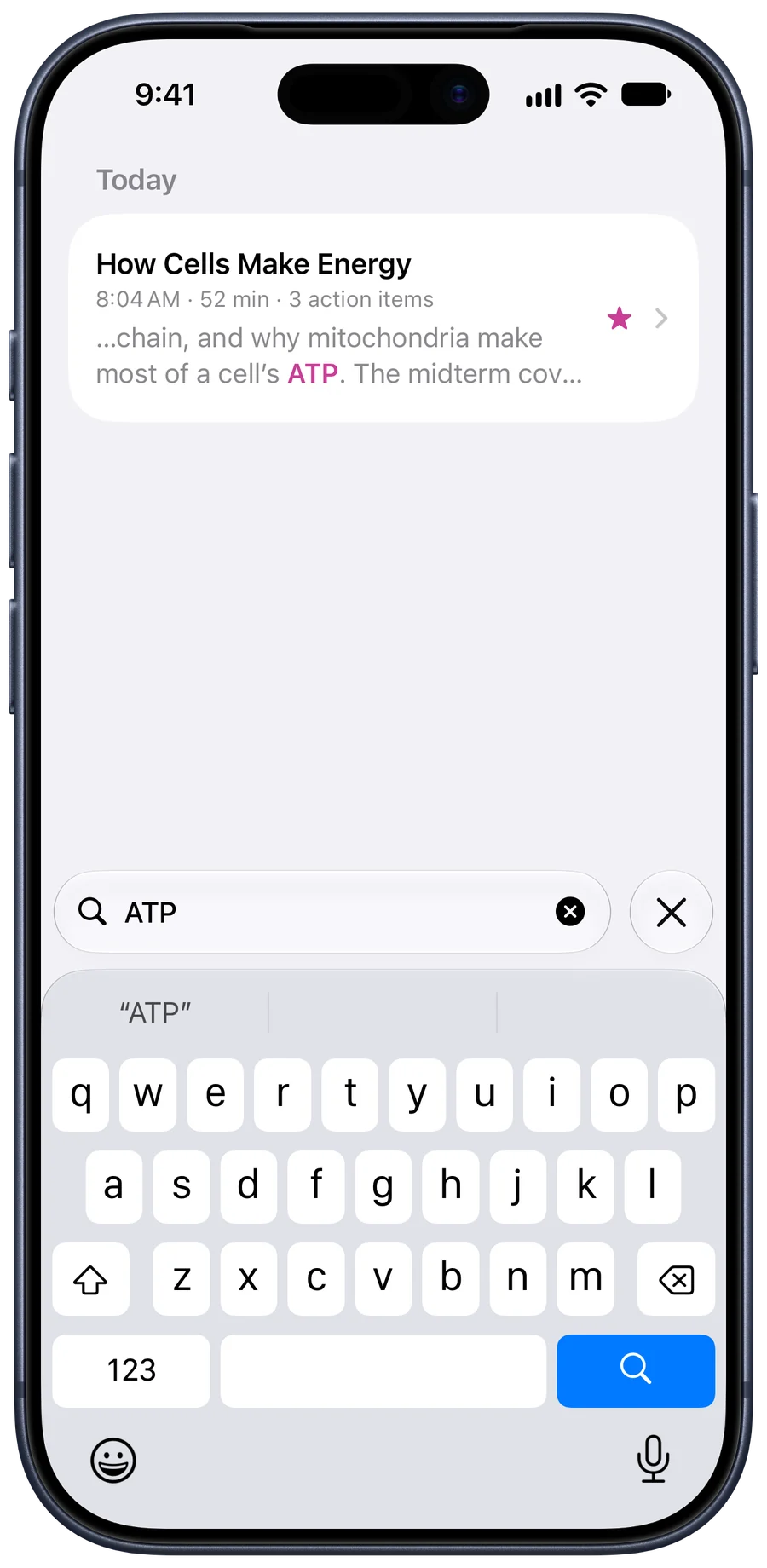
Search runs through every transcript, summary and action item. The idea you had in March is one word away, with the line where you said it.
Habits that help
- Say the topic first. “Ideas for the spring launch” gives the note its title and its summary a frame.
- Don’t tidy as you talk. Ramble. The summary does the tidying.
- Star the good ones. Starred notes have their own list on Home.
The longer version: how to transcribe voice memos on iphone.
Questions people ask
Is this a voice notes app?
Yes, and more: each voice note becomes a transcript, a summary, key points and action items, saved in your own iCloud.
Can I record in the car or on a walk?
Yes. Start a recording and lock the screen or switch apps; it keeps going, with a stop button in the Dynamic Island.
Do I need signal?
To have it written down, yes. A recording made without a connection waits on your phone and is written down when you’re back online.
Your next idea, written down.
Get Tapescript from the App Store. Your first 3 recordings are free, each with its full transcript and summary.
Made for iPhone and iPad. Open this page on your iPhone to get it.
- 3 free recordings
- No account
- Notes in your iCloud
- iOS 18 or later