Tapescript
Any audio file, turned into notes
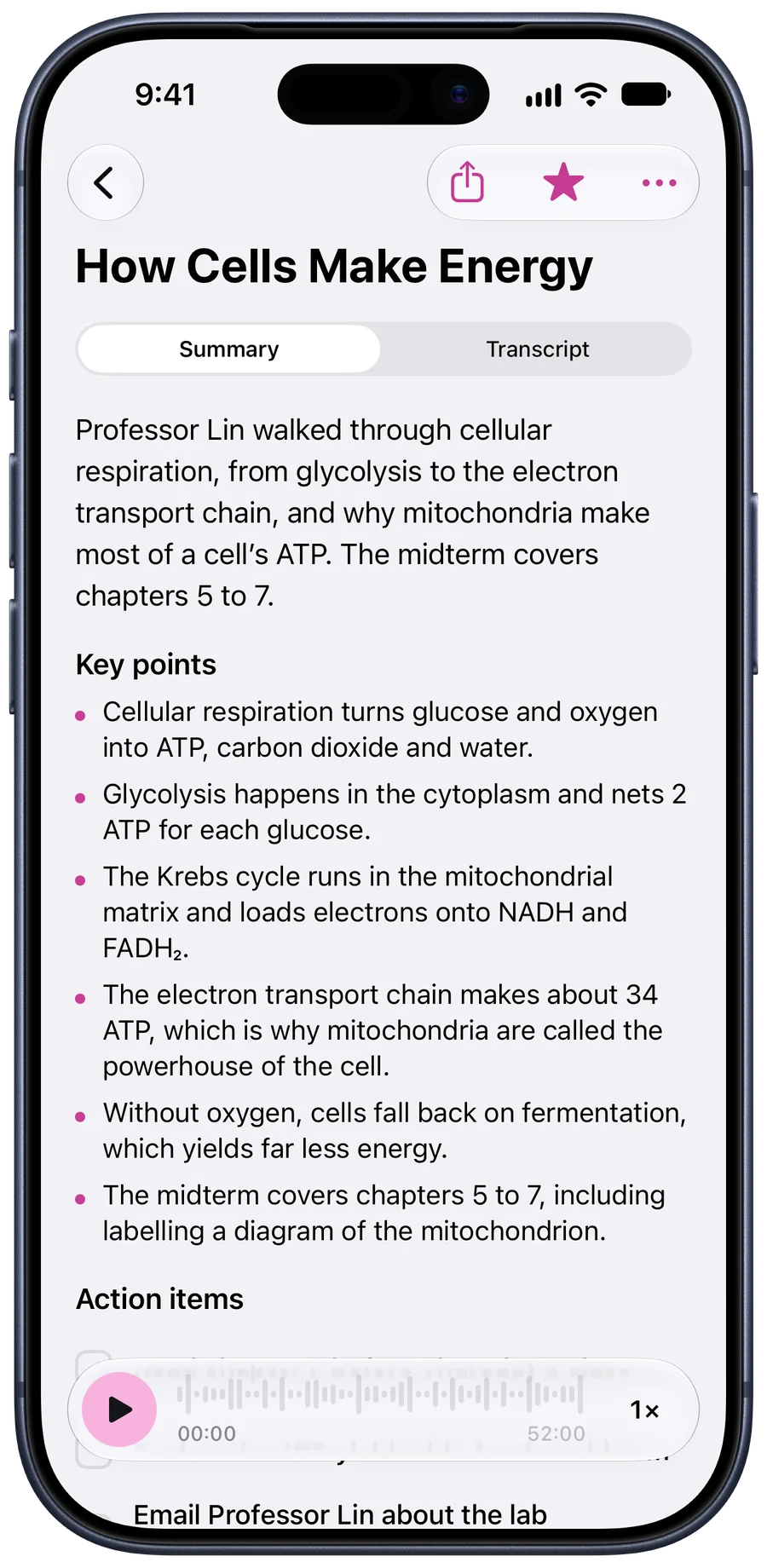
The voice recorder from last week’s interview, a lecture a classmate sent you, a call your call-recording app saved. If it’s an audio file, Tapescript can write it down, up to three hours of it.

No account to make. Your notes stay in your own iCloud.
Tapescript is made for iPhone and iPad (iOS 18 or later). Open this page on your iPhone to get it.
Straight from Files
Tap +, then Import Audio or Video, then Files. MP3, M4A, WAV and the other common formats work, from iCloud Drive, Dropbox, Google Drive or a USB stick plugged into your iPhone.
Tell it the language and carry on with your day. You get an alert when the note is written.
Add audio or video
- FilesMP3, M4A, WAV, MP4, MOV and more
- Photos & VideosPick a video from your library
- Paste a linkA direct link to an audio or video file
You can also share audio or video to Tapescript straight from any app.
Recorded on something else
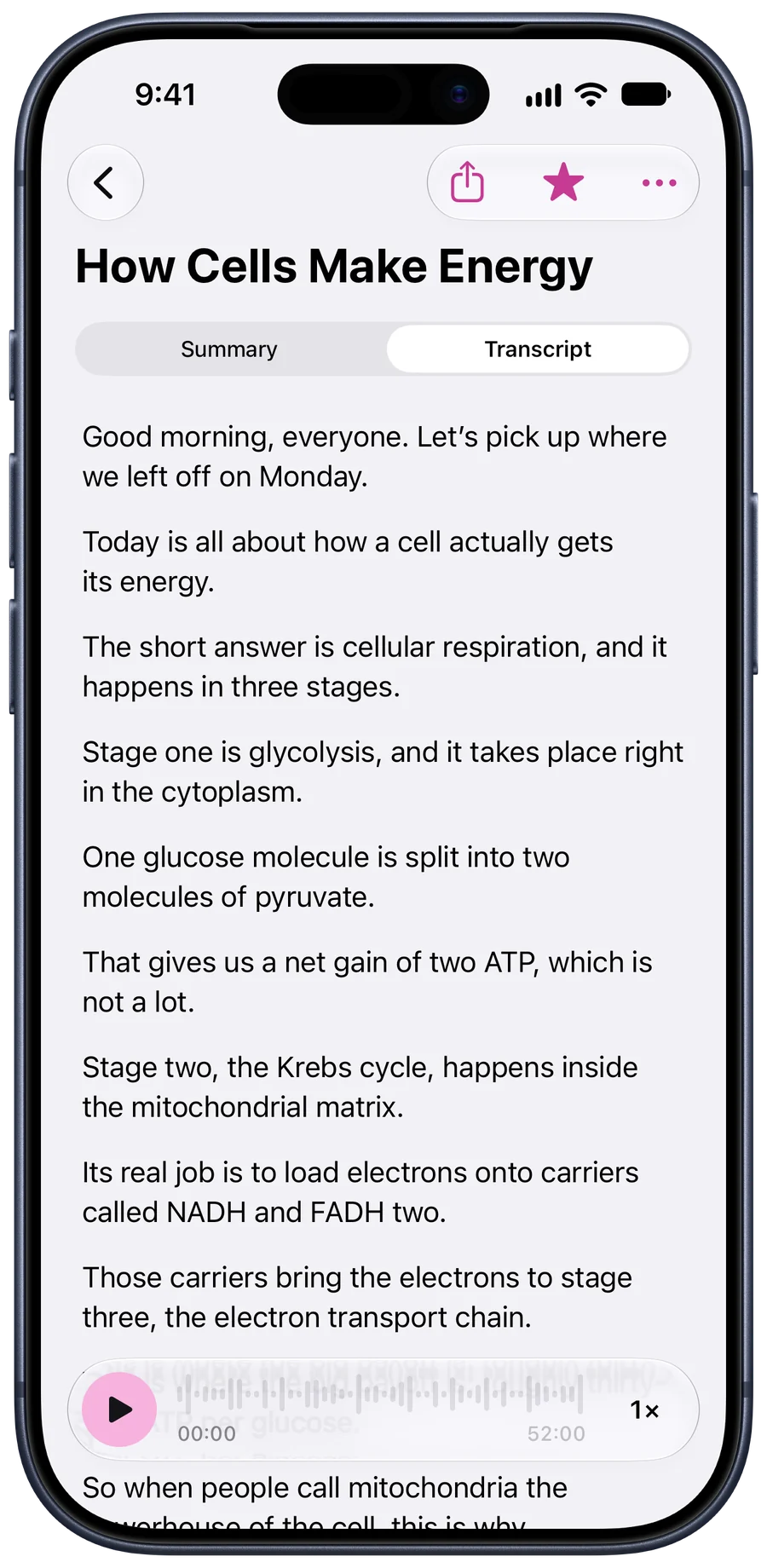
In this example, Rosa’s interview was recorded on a handheld voice recorder and copied over as a 24-minute WAV. Imported, it reads like anything recorded in the app: a summary, her four points, and the two things you promised her.
Search covers imported files too, so a quote from March is one word away.
Customer Interview: Café Owner
Rosa runs two cafés and spends about five hours a week on staff schedules. She’d pay for a tool that handles shift swaps, but wants it to work from her phone.
Key points
- Scheduling takes about five hours a week across two locations.
- Shift swaps happen over group chat and get lost.
- She would pay up to $30 a month if it saves real time.
- A phone-first app matters more than a desktop one.
Or paste a link
Got a link to an MP3, from a podcast feed or a shared folder? Paste it and Tapescript downloads the file and writes it down.
The link has to point straight at the file. A YouTube or Spotify page won’t work: there’s no audio file behind it for the app to fetch.
Add audio or video
- FilesMP3, M4A, WAV, MP4, MOV and more
- Photos & VideosPick a video from your library
- Paste a linkA direct link to an audio or video file
You can also share audio or video to Tapescript straight from any app.
Before you import
- Up to three hours. Longer than that? Split it in two first.
- One language a file. If it switches back and forth, pick the language spoken most.
- Clear sound helps. If you can barely make out a voice, the transcript will struggle with it too.
- Video works the same way. Import it like any file. Only the sound is used.
The longer version: how to transcribe an interview.
Questions people ask
Which audio formats can I transcribe?
MP3, M4A, WAV, AAC, AIFF and the Opus files messaging apps use, plus video files such as MP4 and MOV.
How long can the file be?
Up to 3 hours in one file.
Can I transcribe a podcast episode?
Yes, if you have the audio file or a direct link to it. A link to a podcast app’s page won’t work; the link has to point at the MP3 itself.
Is my file uploaded?
Its sound is sent over an encrypted connection, in parts, to be written down, and each part is discarded once it’s done. We never store the recording. The note lives in your own iCloud.
Can I transcribe a phone call?
Tapescript doesn’t record calls. If a call app has saved the call as an audio file, import that file and it’s written down like any other.
Your next file, written down.
Put your phone down at your next lecture or meeting, and pick up the notes when it ends.
Made for iPhone and iPad. Open this page on your iPhone to get it.
- No account
- Notes in your iCloud
- Translate into 60+ languages
- iPhone and iPad